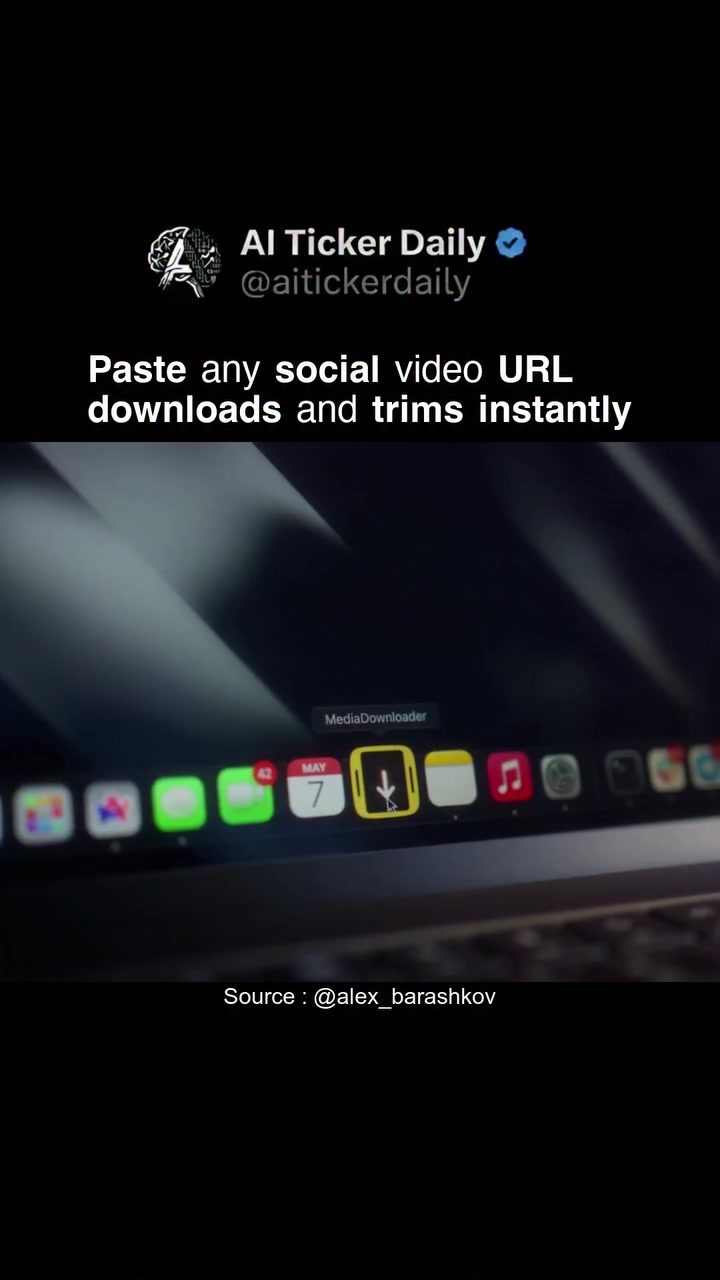
Downloading and Trimming Social Media Videos with Ease
Social media platforms have become a treasure trove of engaging and informative content. From viral videos on TikTok to insightful clips on YouTube, there's a wealth of material to explore. However, downloading and editing these videos can often be a hassle, requiring multiple steps and separate editing tools. Fortunately, there's a solution that simplifies the process. By using a specialized software, you can paste a link from platforms like Instagram, X, TikTok, or YouTube and instantly get a trimmed clip without the need for a separate video editor.
The Need for Efficient Video Management
In today's fast-paced digital world, managing and editing social media videos has become a critical task for content creators, marketers, and casual users alike. The ability to quickly download and trim videos can save time and enhance productivity. Whether you're looking to share a memorable moment, create a highlight reel, or repurpose content for another platform, having a streamlined process is essential. This is where specialized software comes into play, offering a convenient way to handle social media videos efficiently.
How the Software Works
The application in question is designed to simplify the process of downloading and trimming social media videos. Here’s a breakdown of how it works:
Pasting Video URLs
The process begins by pasting a social media video URL into the software. The application supports various platforms, including Instagram, X, TikTok, and YouTube. This versatility ensures that users can easily manage content from multiple sources in one place. Once the URL is pasted, the software processes the link and displays a preview of the video.
Instant Downloads
After processing the URL, the software allows users to download the video directly. This feature eliminates the need for manual downloading and uploading, saving valuable time and effort. The software handles the technical aspects, ensuring a seamless experience for the user.
Trimming Videos Directly
One of the standout features of this software is the ability to trim videos directly within the application. This means users can select the desired portion of the video and trim it without the need for a separate editor. This feature is particularly useful for those who need to create short clips or highlights from longer videos. The software provides an intuitive interface, making it easy to select and trim the video to the desired length.
Supporting Multiple URLs
The software also supports pasting multiple video URLs at once, allowing users to process and edit several videos simultaneously. This is a significant advantage for those who need to manage a large volume of content. By pasting multiple URLs, users can save time and streamline their workflow.
Practical Tips for Using the Software
To make the most out of this software, consider the following tips:
Organize Your URLs
Before pasting multiple URLs, organize them in a systematic manner. Create a list of URLs that you intend to download and trim, and paste them in the order of priority. This will help you manage the process more efficiently and avoid confusion.
Utilize the Preview Feature
Always use the preview feature to ensure that the video is the correct one before downloading. This will help you avoid any mistakes and ensure that you are working with the right content.
Experiment with Trimming
Take the time to experiment with the trimming feature. Try different lengths and see what works best for your needs. The software provides a flexible interface, allowing you to adjust the trim as needed.
Keep Your Software Updated
To ensure the best performance, keep your software updated with the latest features and improvements. Regular updates can enhance the user experience and provide new functionality, making your workflow even more efficient.
Important Takeaways
Using a specialized software to download and trim social media videos offers several key benefits:
- Time-Saving: The software streamlines the process, allowing you to download and trim videos quickly and efficiently.
- Versatility: The ability to support multiple platforms and paste multiple URLs makes the software highly versatile.
- Ease of Use: The intuitive interface and trimming feature make it easy for users to manage their videos without needing additional tools.
Conclusion
In the ever-evolving landscape of social media, having the right tools to manage and edit content is crucial. By using a specialized software, you can download and trim social media videos with ease, saving time and enhancing productivity. Whether you're a content creator, marketer, or casual user, this software provides a convenient and efficient solution for managing your social media videos. So, next time you come across a video you want to save or edit, consider using this powerful tool to simplify the process.
Watch the Reel
Questions readers ask
Can I trim videos directly from a URL without downloading the entire video first?
Yes, with the right software, you can trim videos directly from a URL. Simply paste the link from platforms like Instagram, TikTok, YouTube, or X, and specify the start and end times for the trim. The software will handle the rest, providing you with a trimmed clip instantly.
What file format will I get when I download a video from a social media link?
When you download a video using a specialized tool, you will typically get an MP4 file, which is a standard and widely supported format. This ensures compatibility across various devices and platforms.
Can I use this method to trim videos for professional use, such as marketing campaigns?
Absolutely. This method is ideal for content creators and marketers who need to quickly trim and download engaging clips for their campaigns. It saves time and enhances productivity, allowing you to focus more on content creation and strategy.
Is it possible to download and trim videos from multiple social media platforms?
Yes, many tools support multiple platforms. You can download and trim videos from Instagram, TikTok, YouTube, X, and more. Simply copy the video URL and use the tool to get the trimmed clip you need.
Do I need any special skills or software to trim videos online?
No special skills or additional software are required. These tools are designed to be user-friendly, allowing anyone to trim videos online with just a few clicks. Paste the video URL, set the trim points, and the tool will do the rest.
How can I convert a social media link to a video file?
To convert a social media link to a video file, use a tool that supports direct conversion. Paste the URL of the video from the platform, follow the prompts to trim the video if needed, and download the video in a format like MP4.
Recent articles
Fresh deep dives from the latest Reels we unpacked.




Comments
Be the first to comment.