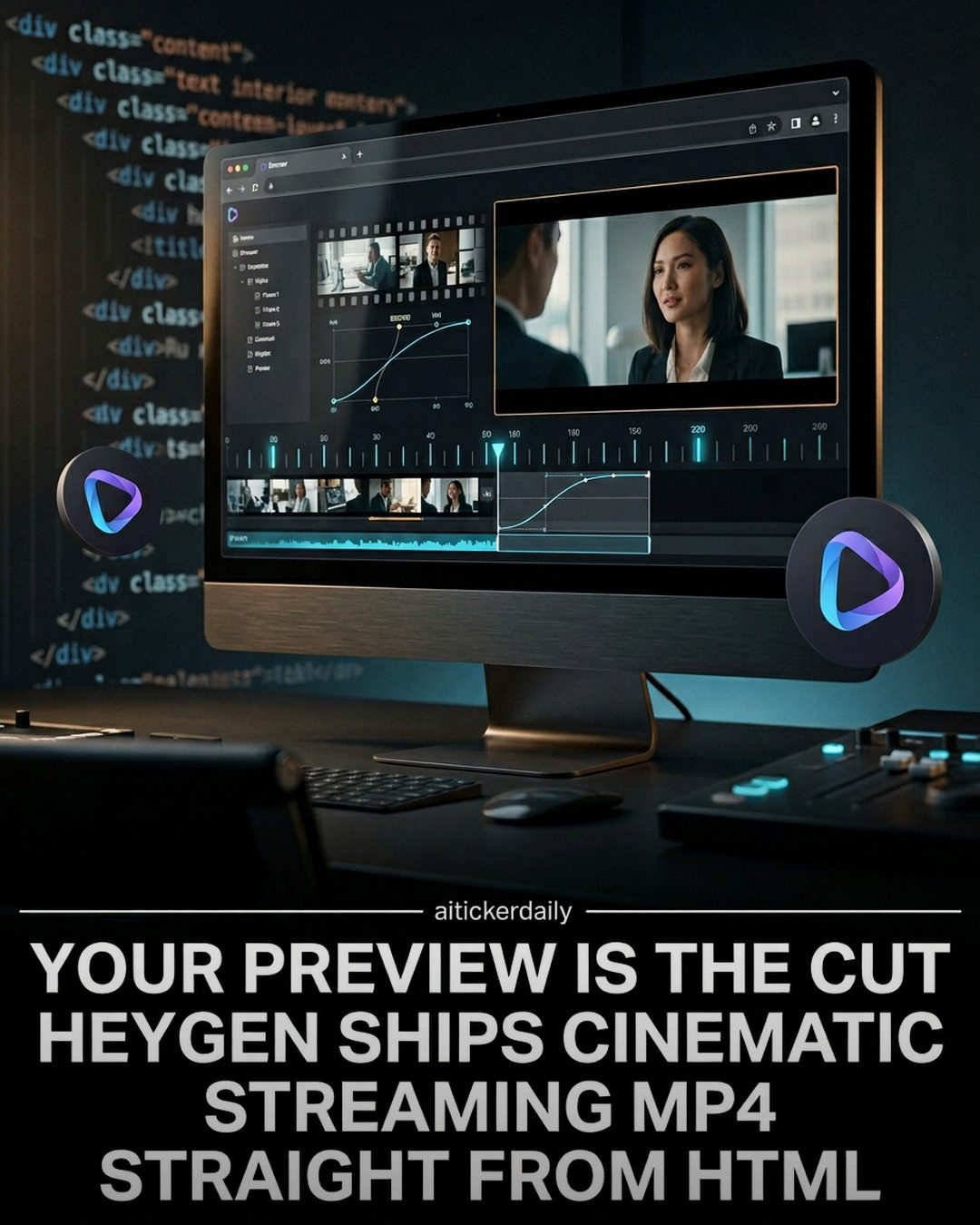
HyperFrames: HTML- Native Video Pipeline
HyperFrames is an innovative, open-source pipeline designed to keep programmatic video creation within the HTML ecosystem. Developed by HeyGen, HyperFrames allows users to compose videos using markup and data attributes, preview them in the browser, and export them as high-quality MP4 files. This pipeline is built for repeatable, agent-friendly runs, making it a powerful tool for developers and designers working with video content.
Why This Matters
The ability to create and edit videos directly within HTML opens up new possibilities for web developers and designers. Traditional video editing often requires separate software and complex workflows. HyperFrames streamlines this process by integrating video editing capabilities directly into the web development environment. This integration can lead to more efficient workflows, better version control, and enhanced collaboration among team members.
Additionally, the deterministic rendering and agent-friendly design of HyperFrames ensure that the output is consistent and reliable. This is particularly important for projects that require precise control over every frame and need to automate the video creation process.
Main Discussion
Compose with Markup and Data Attributes
One of the standout features of HyperFrames is its use of HTML markup and data attributes for video composition. This approach leverages the familiarity and flexibility of HTML, allowing developers to create complex video compositions without leaving their web development environment. By using data attributes, developers can specify various parameters and effects directly within the HTML, making the process more intuitive and efficient.
Preview in the Browser
HyperFrames allows users to preview their video compositions directly in the browser. This real-time preview feature is a game-changer for video editors and designers, as it provides immediate feedback on their work. The ability to see changes in real-time helps in fine-tuning the composition and ensures that the final output meets the desired quality standards.
Export Cinematic MP4
After composing and previewing the video, HyperFrames enables users to export their creations as cinematic MP4 files. This export process is handled through a CLI (Command Line Interface) pipeline, which is designed for repeatable and agent-friendly runs. The pipeline ensures that the export process is consistent and reliable, making it ideal for automated workflows.
Deterministic Rendering
The HyperFrames pipeline emphasizes deterministic rendering, which means that the output is consistent and predictable. This is achieved through a frame-adapter pattern that allows for the integration of various tools and libraries, such as GSAP, CSS, Lottie, and Three.js. The deterministic rendering ensures that the same HTML drives both the preview and the final export, making the iteration process tighter and more efficient.
Agent-Friendly Design
HyperFrames is designed to be agent-friendly, which means it can be easily integrated into automated workflows. This makes it a valuable tool for developers and designers who need to automate video creation processes. The agent-friendly design also ensures that the pipeline can be used with various skills agents, which can install and scaffold compositions, further enhancing its flexibility and usability.
Version Control and Secrets Management
The HyperFrames pipeline treats the video creation process like any other render stack. This means that developers can pin versions, validate FFmpeg and Node on their machine, and keep secrets out of the HTML they commit. This approach ensures that the video creation process is secure and that the final output is consistent and reliable. By keeping secrets out of the HTML, developers can protect sensitive information and maintain the integrity of their projects.
Practical Tips
Pin Versions
To ensure consistency and reliability, it is essential to pin the versions of all tools and libraries used in the HyperFrames pipeline. This includes FFmpeg, Node, and any other dependencies. Pinning versions helps in maintaining a stable environment and ensures that the output is consistent across different runs.
Validate Dependencies
Before exporting the final MP4 file, it is crucial to validate all dependencies. This includes checking that FFmpeg and Node are correctly installed and configured on the machine. Validating dependencies helps in identifying and resolving any issues that may arise during the export process, ensuring a smooth and efficient workflow.
Keep Secrets Out of HTML
It is essential to keep secrets out of the HTML you commit. Secrets can include API keys, authentication tokens, and other sensitive information. By keeping secrets out of the HTML, developers can protect sensitive information and maintain the integrity of their projects.
Important Takeaways
HyperFrames represents a significant advancement in video editing software, particularly for those working within the HTML ecosystem. Its ability to compose videos using markup and data attributes, preview in the browser, and export cinematic MP4 files through a CLI pipeline makes it a powerful tool for developers and designers. The deterministic rendering and agent-friendly design ensure consistent and reliable output, making it ideal for automated workflows.
The pipeline's integration with various tools and libraries, such as GSAP, CSS, Lottie, and Three.js, further enhances its flexibility and usability. By treating the video creation process like any other render stack and keeping secrets out of the HTML, developers can ensure a secure and efficient workflow.
Conclusion
HyperFrames is a groundbreaking tool for video editing within the HTML ecosystem. Its open-source nature, combined with its powerful features and flexible design, makes it a valuable asset for developers and designers. Whether you are working on a small project or a large-scale production, HyperFrames provides the tools and capabilities needed to create high-quality, cinematic videos efficiently and effectively. By embracing HyperFrames, developers can streamline their video creation workflows, enhance collaboration, and achieve consistent, reliable results.
Watch the Reel
Questions readers ask
What is HyperFrames and how does it simplify video creation?
HyperFrames is an open-source tool developed by HeyGen that enables video creation and editing directly within the HTML environment. It allows users to compose videos using markup and data attributes, preview them in the browser, and export them as high-quality MP4 files, simplifying complex video workflows.
How do I get started with HyperFrames?
To get started with HyperFrames, you can visit the project's GitHub repository, where you'll find installation instructions and documentation. Once installed, you can begin composing videos using HTML markup and data attributes, and preview them directly in your browser.
Can I use HyperFrames for commercial projects?
Yes, HyperFrames is open-source and can be used for both personal and commercial projects. By keeping the video creation process within the HTML ecosystem, it offers a flexible solution for developers and designers working on a variety of web projects.
What are the benefits of integrating video creation into the HTML workflow?
Integrating video creation into the HTML workflow with HyperFrames offers several benefits, including streamlined workflows, precise control over video output, and the ability to preview videos in real-time within the browser. This integration eliminates the need for separate video editing software and complex workflows.
How does HyperFrames ensure high-quality video exports?
HyperFrames is designed to export high-quality MP4 files efficiently. By using markup and data attributes for video composition, the tool maintains a high level of control over the final output, ensuring that the exported videos meet professional standards.
Is HyperFrames suitable for collaborative projects?
Yes, HyperFrames is suitable for collaborative projects as it allows for repeatable, agent-friendly runs. This feature ensures consistency and makes it easy for team members to work together on video content, even when integrating it with other web development tasks.
Recent articles
Fresh deep dives from the latest Reels we unpacked.




Comments
Be the first to comment.