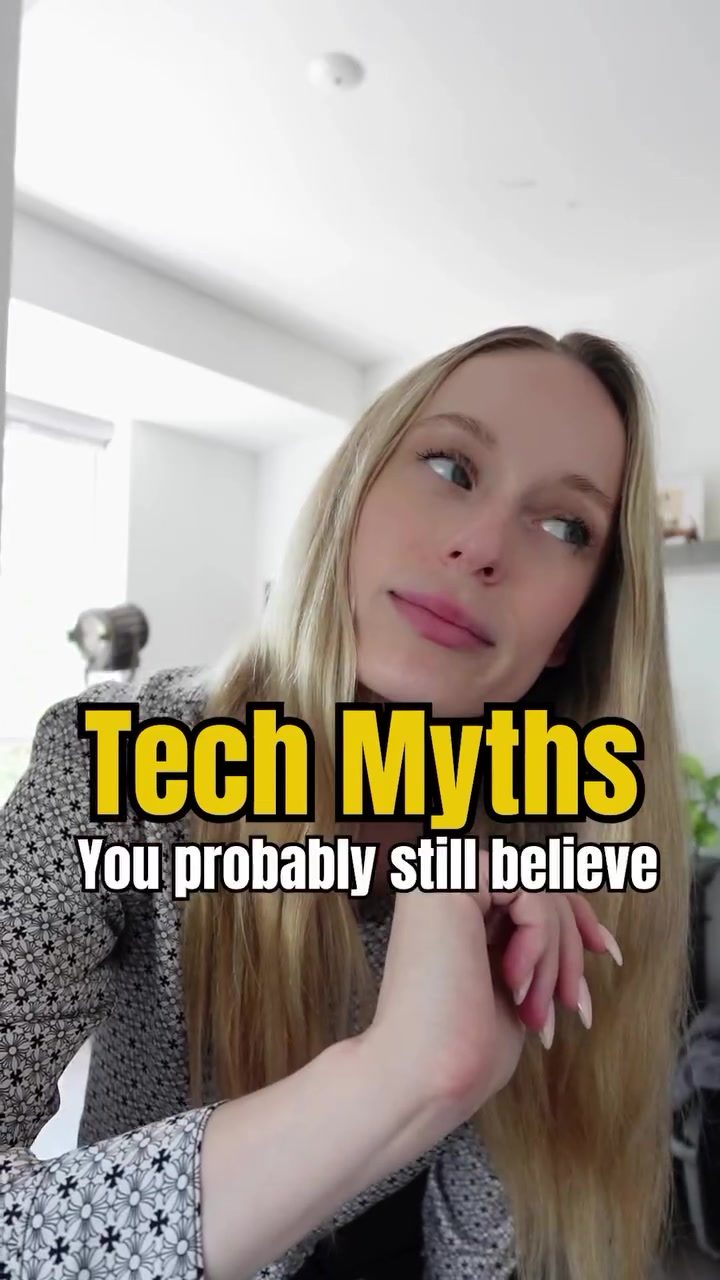
Tech Myths: Separating Fact from Fiction
Are you tired of tech myths that don't hold up? You're not alone. Many of us have heard various claims about how our devices and settings affect our health and privacy. Let's dive into four common myths and see if they stand up to scrutiny.
Why This Matters
Understanding the truth behind these myths can help you make informed decisions about your tech usage. Whether it's about eye strain, privacy, or battery life, getting the facts straight can improve your overall experience and peace of mind.
Main Discussion
Myth 1: Dark Mode is Always Better for Your Eyes
The Myth: Many people believe that dark mode reduces eye strain in all situations, making it healthier for your eyes.
The Truth: Dark mode can be beneficial in low-light settings, but in bright environments or during long reading sessions, it can actually make text harder to read. This is especially true for those with astigmatism. The contrast between bright text and a dark background can cause more strain than a standard light mode.
Myth 2: Incognito Mode Stops Ads from Tracking You
The Myth: Incognito mode is often thought to make you invisible online, hiding your history, tracking, and targeted ads.
The Truth: Incognito mode only hides your activity locally. Websites, internet service providers, and advertisers can still track you using your IP address and browser fingerprint. It's a useful tool for keeping your browsing history private on shared devices, but it doesn't provide complete anonymity.
Myth 3: Screens Emit Blue Light That Ruins Your Sleep
The Myth: Blue light from screens is blamed for disrupting sleep, and turning on night mode is seen as a solution.
The Truth: While blue light can affect your sleep, it's not the only factor. Screen brightness and mental stimulation from the content you're consuming are just as disruptive. Night mode can help slightly, but it's not a perfect fix. Limiting screen time before bed and using blue light filters can be more effective.
Myth 4: Charging with a Higher-Wattage Charger Will Fry Your Phone
The Myth: There's a common belief that using a higher-wattage charger will "overload" your phone and damage the battery.
The Truth: Modern devices and chargers use smart charging protocols like USB Power Delivery (USB-PD) or Qualcomm Quick Charge. These systems negotiate power draw, meaning your device will only pull the wattage it’s designed for. So, a 100W charger plugged into a phone that supports 20W charging will only deliver 20W, no more.
Practical Tips
Eye Health and Screen Use
- Adjust Brightness: In bright environments, increase the screen brightness to match the ambient light.
- Text Size and Contrast: Increase text size and adjust contrast to reduce eye strain during long reading sessions.
- Take Breaks: Follow the 20-20-20 rule: every 20 minutes, look at something 20 feet away for 20 seconds.
Privacy and Incognito Mode
- Use a VPN: For enhanced privacy, consider using a Virtual Private Network (VPN) to mask your IP address.
- Browser Fingerprinting: Be aware that browser fingerprinting can still track you. Use privacy-focused browsers or extensions to minimize this risk.
Sleep and Screen Time
- Night Mode: While not a perfect solution, using night mode can help reduce the impact of blue light.
- Limit Screen Time: Try to avoid screens at least an hour before bedtime to minimize disruption to your sleep cycle.
Charging and Battery Health
- Use Compatible Chargers: Stick to chargers that match your device's specifications for optimal performance and safety.
- Avoid Overcharging: Unplug your device once it’s fully charged to maintain battery health.
Important Takeaways
- Eye Strain: Dark mode is not universally better; it depends on the lighting conditions and your visual needs.
- Privacy: Incognito mode doesn't provide complete anonymity. Be mindful of other tracking methods.
- Sleep: Blue light is just one factor. Brightness and mental stimulation also play significant roles in sleep disruption.
- Charging: Modern devices have smart charging protocols that protect against overloading.
Conclusion
Tech myths can be misleading and often oversimplify complex issues. By understanding the truth behind these myths, you can make better decisions about your tech usage, from eye health to privacy and battery life. Whether you're debunking myths about dark mode, incognito mode, blue light, or charging, being informed helps you get the most out of your devices while safeguarding your well-being.
Watch the Reel
Questions readers ask
Does dark mode always reduce eye strain, especially during long reading sessions?
Not necessarily. While dark mode can be easier on the eyes in low-light conditions, it may cause more strain in bright environments or during extended reading sessions. It's important to adjust your screen settings based on your surroundings and activities.
How does blue light from screens affect sleep, and is it the only cause of sleep disruption?
Blue light from screens can interfere with your body's production of melatonin, a hormone that regulates sleep. However, it is not the sole cause of sleep disruption. Other factors such as stress, caffeine intake, and exposure to other light sources also play a significant role.
Can incognito mode completely hide my online activity from advertisers?
Incognito mode does not hide your online activity from advertisers. While it might prevent your browsing history from being saved on your device, it does not stop advertisers from tracking your activity across different websites. For enhanced privacy, consider using additional tools like ad blockers or privacy-focused browsers.
Is dark mode better for your eyes in all situations, or are there exceptions?
Dark mode is not universally better for your eyes. It can be beneficial in low-light environments, but in bright settings or during long reading sessions, light mode might be easier on the eyes. It's essential to assess your specific circumstances and adjust your screen settings accordingly.
What are some signs that I should switch from dark mode to light mode?
If you find yourself squinting, experiencing headaches, or feeling discomfort while using dark mode in bright environments or during extended reading or screen time, it might be time to switch to light mode. Pay attention to your visual comfort and adjust your settings as needed.
Why is it important to differentiate between myths and facts regarding tech and eye health?
Differentiating between myths and facts can help you optimize your screen settings for comfort and avoid unnecessary strain. Understanding the truth can also prevent misconceptions that might lead to incorrect adjustments, ensuring a better overall experience with your devices.
Does reducing screen time automatically improve eye health and strain?
Reducing screen time can indeed help alleviate eye strain, but it's not the only solution. Regular breaks, proper lighting, and adjusting screen settings to your environment are also crucial. For optimal eye comfort, combine these practices with your screen time management.
Related deep dives
Similar reads based on topic and creator.


Recent articles
Fresh deep dives from the latest Reels we unpacked.




Comments
Be the first to comment.