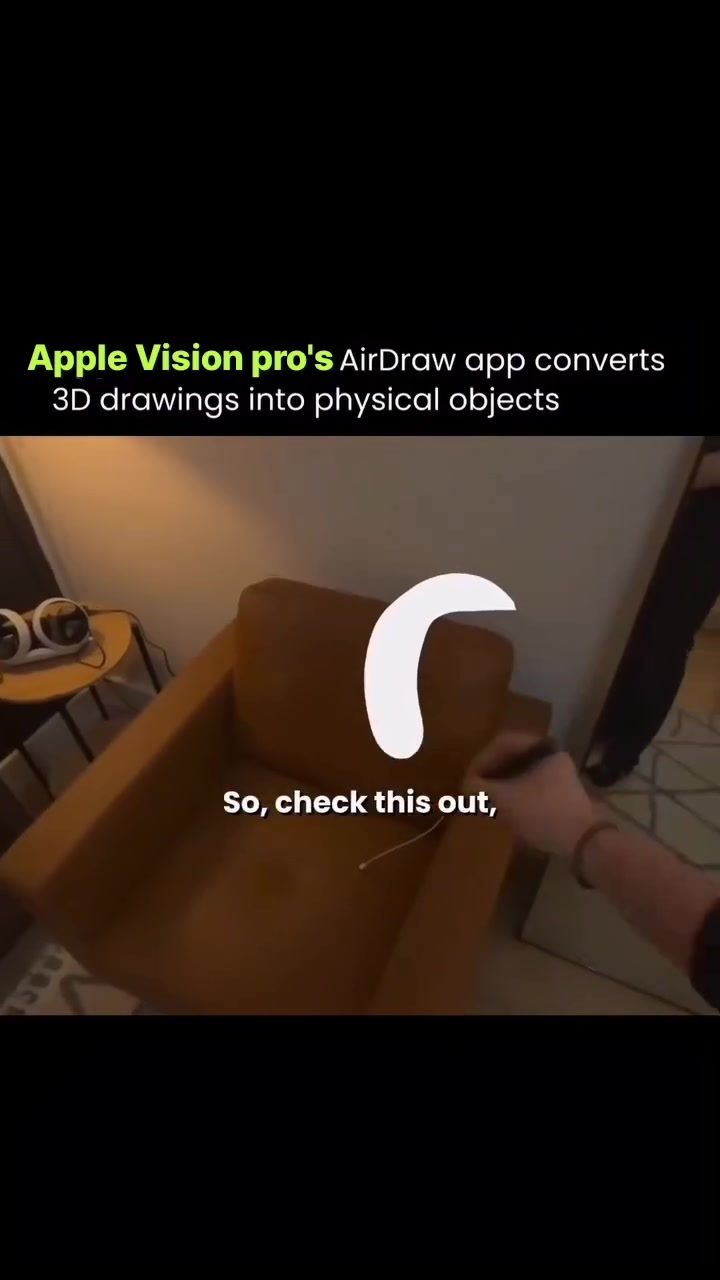
AirDraw App: Transforming Mid-Air Gestures into 3D Art on Apple Vision Pro
AirDraw, an innovative app developed for the Apple Vision Pro, is revolutionizing the way users create art. Unlike traditional digital art tools that rely on screens, AirDraw allows users to draw in mid-air, transforming the space around them into a dynamic canvas. This app leverages the unique capabilities of the Apple Vision Pro to offer an immersive and interactive 3D art experience.
Why This Matters
The introduction of AirDraw represents a significant leap in digital art and technology. By enabling users to create 3D art in real space, AirDraw opens up new possibilities for creativity and innovation. This technology bridges the gap between digital and physical art, allowing users to turn their mid-air sketches into tangible objects. Whether you're an artist looking to explore new mediums or a tech enthusiast eager to experience the future of digital art, AirDraw offers a unique and exciting platform.
Main Discussion
AirDraw: The Basics
AirDraw is designed to be user-friendly, allowing users to create 3D art using simple finger pinches or a stylus like the Logitech Muse. This intuitive interface makes it accessible to both beginners and experienced artists. The app's primary feature is its ability to convert 3D drawings into physical objects, making it a powerful tool for artists and designers.
Physics Mode: Bringing Art to Life
What sets AirDraw apart from other digital art tools is its physics mode. Unlike traditional drawing apps where creations are static, AirDraw's physics mode allows users to create dynamic and interactive art. Objects drawn in the app can fall, collide, swing, and react to gravity, adding a new layer of realism and engagement to the creative process. This feature not only enhances the artistic experience but also provides a more immersive and lifelike environment for users to work in.
Exporting and Refining Art
AirDraw goes beyond just creating digital art; it also allows users to export their creations as USDZ 3D files. These files can be saved, shared, or refined for 3D printing, making it possible to turn a sketch made in mid-air into a physical object. This capability is particularly valuable for artists, designers, and engineers who want to bring their digital creations into the real world. The ability to refine and print 3D models opens up a world of possibilities for prototyping, design, and art installations.
Creating with Ease
The app allows for a seamless and intuitive drawing experience, demonstrating how users can create complex shapes and objects with ease. The demonstration showcases the app's ability to let users bounce shapes off surfaces and reacts to touch, adding an interactive element to the artistic process.
Practical Tips
To get the most out of the AirDraw app, consider the following tips:
- Experiment with Finger Pinches and Stylus: Try using both finger pinches and a stylus like the Logitech Muse to find the method that works best for you.
- Explore Physics Mode: Take advantage of the physics mode to create dynamic and interactive art. Allow your creations to fall, collide, and react to gravity for a more immersive experience.
- Refine and Print: Use the ability to export USDZ 3D files to refine and print your creations. This allows you to turn your digital art into physical objects, opening up new possibilities for artistic expression and design.
Important Takeaways
- 3D Art in Real Space: AirDraw transforms the space around you into a canvas, allowing users to create 3D art in real space using simple gestures.
- Interactive Physics Mode: The app's physics mode brings creations to life, allowing them to fall, collide, and react to gravity.
- Export and Print: USDZ 3D files can be exported, refined, and printed, turning digital creations into physical objects.
- Intuitive Interface: AirDraw's user-friendly interface makes it accessible to both beginners and experienced artists.
Conclusion
AirDraw is a groundbreaking app that is transforming the way we think about digital art. By allowing users to create 3D art in real space and turn their creations into physical objects, AirDraw offers a unique and immersive artistic experience. Whether you're an artist, designer, or tech enthusiast, this app opens up new possibilities for creativity and innovation.
Watch the Reel
Questions readers ask
What is the AirDraw app and how does it work?
AirDraw is an app designed for the Apple Vision Pro device that enables users to create 3D art in mid-air. By using the advanced capabilities of the Apple Vision Pro, the app converts users’ mid-air gestures into tangible, interactive 3D creations, making the surrounding space a dynamic canvas for artistic expression.
How does AirDraw differ from traditional digital art tools?
Unlike traditional digital art tools, AirDraw does not rely on screens. Instead, it allows users to draw and sculpt in mid-air, providing a more immersive and interactive 3D art experience. This innovation bridges the gap between digital and physical artistry by leveraging the unique capabilities of the Apple Vision Pro.
What makes the 3D art created with AirDraw unique?
The 3D art created with AirDraw is unique because it is physics-driven and interactive. This means that the art behaves realistically within the virtual environment, making the creative process more dynamic and engaging. Users can manipulate their creations in real-time, adding a tactile dimension to digital artistry.
Can I use AirDraw if I'm not an experienced artist?
Yes, AirDraw is designed to be user-friendly and accessible to users of all skill levels. The app’s intuitive interface and the natural, gestural controls make it easy for beginners to start creating 3D art in mid-air. Even if you haven’t had much experience with 3D art, AirDraw offers a unique and engaging way to explore digital creativity.
What are the benefits of creating 3D art in mid-air with AirDraw?
Creating 3D art in mid-air with AirDraw offers several benefits. It provides a more immersive and interactive experience compared to traditional 2D digital art tools. Additionally, it allows users to experiment with physics-driven 3D art, which can enhance creativity and innovation, making the process of creating art more engaging and dynamic.
Related deep dives
Similar reads based on topic and creator.

Recent articles
Fresh deep dives from the latest Reels we unpacked.




Comments
Be the first to comment.