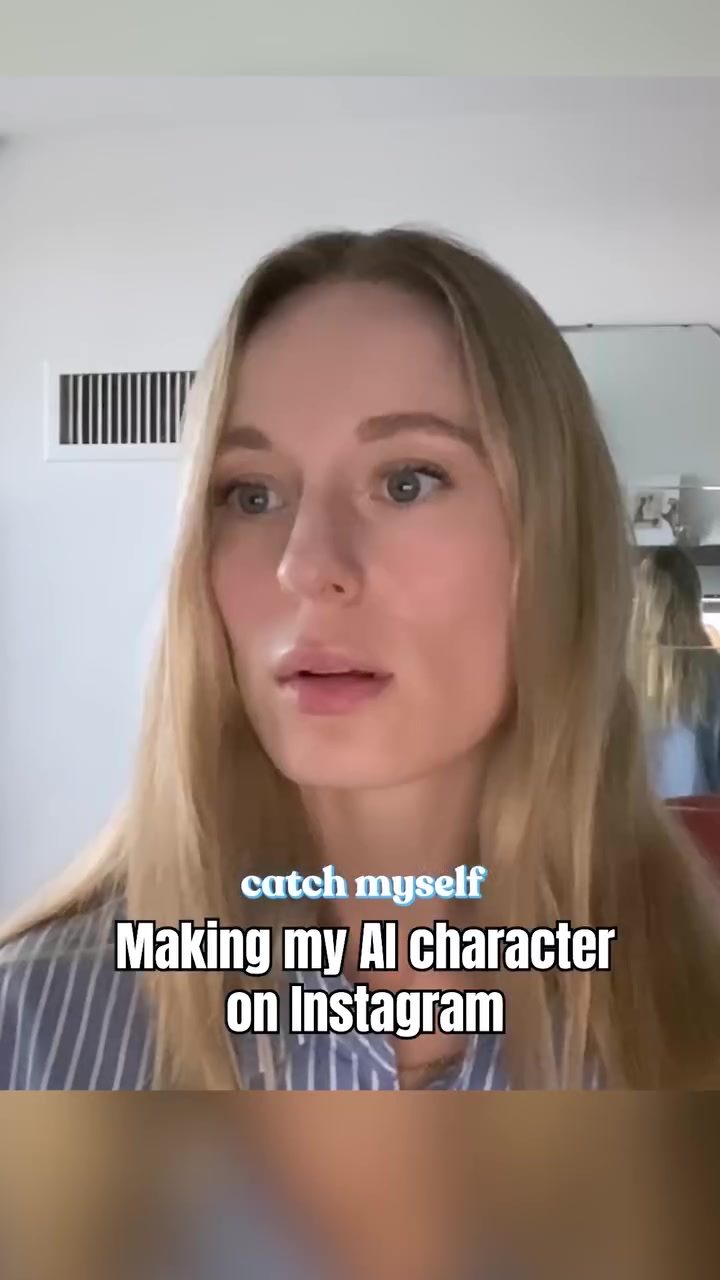
AI Studio: Creating Custom AI Characters for Personal and Professional Use
AI Studio is a powerful mobile app that allows users to create custom AI characters tailored to their specific needs. Whether you're looking for a personal assistant or a professional tool, AI Studio offers a versatile platform for bringing your AI ideas to life.
Why This Matters
In an era where technology is rapidly evolving, having a personalized AI character can significantly enhance productivity and creativity. AI Studio makes it easy to develop AI companions that can assist with a wide range of tasks, from coding projects to everyday reminders. This app is particularly useful for creators who want to build personalized AI solutions without extensive coding knowledge.
Main Discussion
Getting Started with AI Studio
AI Studio's interface is designed to be user-friendly, making it accessible for both beginners and experienced users. The app prompts users to describe their AI character's function and uniqueness, which helps in creating a tailored AI companion. For example, you can describe your AI character as a software developer, a gaming buddy, or a cooking assistant, depending on your needs.
The Process of Creating an AI Character
Creating an AI character in AI Studio involves a few straightforward steps:
-
Describe Your AI Character: Start by outlining what your AI character will do and what makes it unique. This could be a specific task like detecting when you're furrowing your brows or a more complex function like assisting with coding projects.
-
Customize Features: AI Studio allows you to customize various features of your AI character, such as its coding capabilities, gaming skills, or cooking expertise. This customization ensures that your AI character is tailored to your specific needs.
-
Test and Refine: Once your AI character is created, you can test it and make adjustments as needed. The app provides tools to refine your AI character's performance, ensuring it meets your expectations.
Use Cases for AI Characters
AI Studio's versatility makes it suitable for a variety of use cases. Here are a few examples:
-
Coding Projects: An AI character can assist with coding projects by providing suggestions, debugging code, or even generating code snippets. This can be particularly useful for developers who need a reliable assistant.
-
Gaming: AI characters can enhance your gaming experience by providing tips, strategies, or even playing alongside you. This can make gaming more enjoyable and competitive.
-
Cooking: For those who love cooking, an AI character can help by suggesting recipes, providing cooking tips, or even assisting with meal planning. This can make the cooking process more efficient and fun.
-
Personal Reminders: AI characters can serve as personal assistants, reminding you to take breaks, stay hydrated, or perform other tasks that improve your well-being.
Practical Tips
-
Be Specific: When describing your AI character, be as specific as possible about its functions and uniqueness. This will help the app generate a more accurate and useful AI companion.
-
Start Simple: If you're new to AI character creation, start with a simple project. This will help you get comfortable with the app's features and understand its capabilities.
-
Experiment and Refine: Don't hesitate to experiment with different features and customize your AI character to suit your needs. The app provides tools to refine your AI character's performance, so take advantage of them.
-
Leverage Community: AI Studio has a community of users who share their AI characters and ideas. Engaging with this community can provide you with valuable insights and inspiration for your own projects.
-
Stay Updated: AI Studio frequently updates its features and tools. Staying updated with these changes can help you make the most of the app and create more advanced AI characters.
-
Constantly Improve: Your initial AI character might not be perfect, and that's okay. Continuously refine and improve your AI character based on your experiences and feedback.
Examples of AI Characters
AI Studio offers a variety of examples to inspire users and demonstrate the app's capabilities. Here are a few examples:
-
Anti-Wrinkle Detector: One of the most popular AI characters is an anti-wrinkle detector. This AI character uses computer vision to detect when you're furrowing your brows and reminds you to relax. This can be particularly useful for people who spend long hours in front of a screen.
-
Coding Expert: Another useful AI character is a coding expert. This AI character can assist with coding projects by providing suggestions, debugging code, and even generating code snippets. This can be a valuable tool for developers who need a reliable assistant.
Important Takeaways
AI Studio is a powerful tool for creating custom AI characters that can assist with a wide range of tasks. Whether you're a developer, a gamer, or someone who loves cooking, AI Studio can help you build an AI companion tailored to your needs. The app's user-friendly interface and customization options make it accessible for both beginners and experienced users. By leveraging AI Studio's capabilities, you can enhance your productivity, creativity, and overall well-being.
Conclusion
AI Studio is a game-changer for creators who want to build personalized AI solutions. With its versatile features and user-friendly interface, AI Studio makes it easy to create custom AI characters that can assist with various tasks. From coding projects to personal reminders, AI Studio offers a wide range of possibilities. By following the practical tips and leveraging the app's capabilities, you can build an AI companion that enhances your productivity and creativity. Whether you're a beginner or an experienced user, AI Studio provides the tools you need to bring your AI ideas to life.
Watch the Reel
Questions readers ask
What is AI Studio and how does it help users?
AI Studio is a mobile app designed to help users create custom AI characters tailored to their personal and professional needs. It allows anyone to build AI companions to boost productivity and enhance creativity, without requiring extensive coding knowledge.
Can AI Studio be used for professional tasks?
Yes, AI Studio is a versatile platform that can be used for a wide range of professional tasks. Users can create AI characters to assist with coding, project management, and other specialized tasks, making it a valuable tool for professionals in various fields.
Do I need coding skills to create AI characters with AI Studio?
No, AI Studio is designed to be user-friendly and does not require extensive coding knowledge. The app provides an intuitive interface and tools that enable users to build custom AI characters with ease.
What kind of AI characters can I create with AI Studio?
With AI Studio, you can create a variety of AI characters tailored to your specific needs. This includes personal assistants, professional tools, and creative companions to assist with tasks like coding, reminders, and project management.
How can AI Studio boost creativity and productivity?
AI Studio allows users to develop AI companions that can handle everyday tasks, freeing up mental space for more creative and innovative thinking. These AI characters can assist with project management, generate ideas and reminders, and automate repetitive tasks.
Is there a tutorial available for AI Studio?
AI Studio offers a comprehensive guide to help users get started with creating AI characters. The tutorial covers the basics of the app and provides step-by-step instructions to make the most of its features.
Can AI Studio be used for personal tasks as well?
Yes, AI Studio is not limited to professional use. Users can create AI characters for personal tasks such as managing daily schedules, setting reminders, and even assisting with personal projects. The customization options make it a versatile tool for various aspects of life.
Related deep dives
Similar reads based on topic and creator.

Recent articles
Fresh deep dives from the latest Reels we unpacked.




Comments
Be the first to comment.