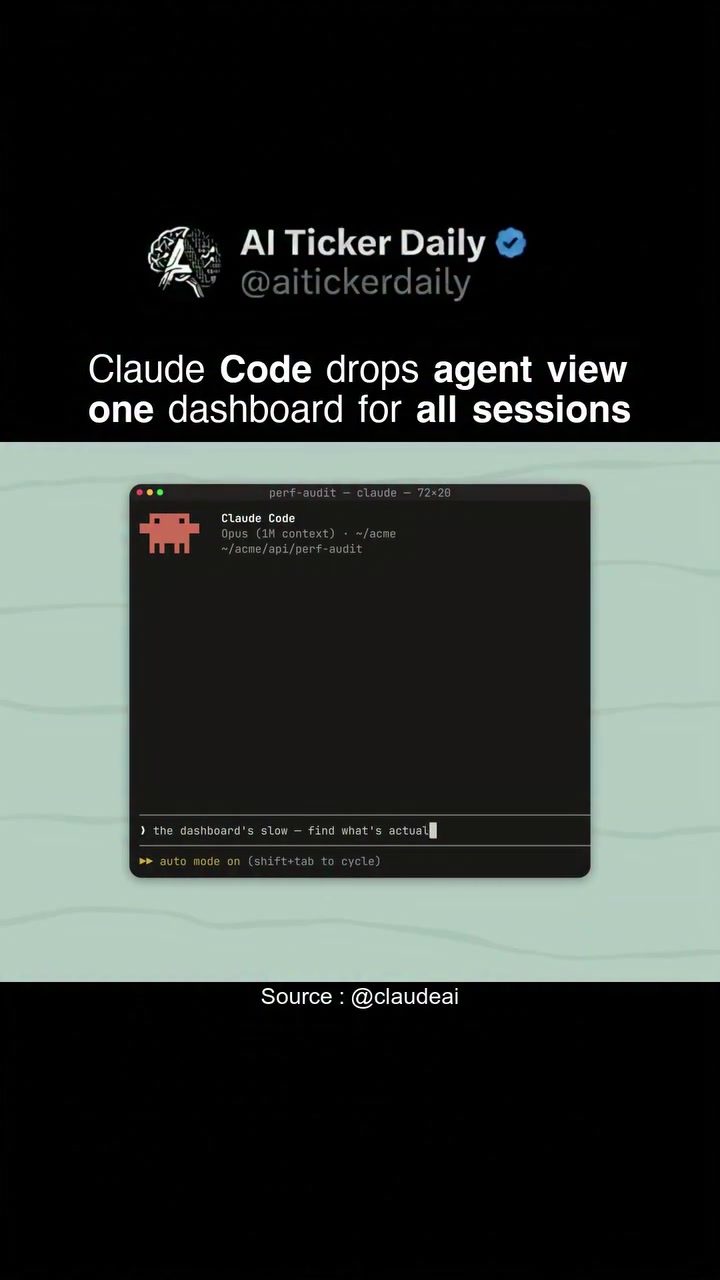
Claude Code Dashboard: The Ultimate Developer Tool
The Claude Code Dashboard has emerged as an invaluable tool for developers, particularly those working on projects with multiple sessions and tasks. This powerful software dashboard integrates an agent view that consolidates all your sessions into a single, organized list. Currently available as a research preview, this tool promises to streamline workflows and enhance productivity.
Context / Why This Matters
In the fast-paced world of software development, managing multiple sessions and tasks can be challenging. Developers often need to juggle various features, bugs, and code snippets, which can lead to inefficiencies and delayed project timelines. The Claude Code Dashboard addresses these issues by providing a unified, intuitive interface that tracks progress on all your sessions in real-time. This allows developers to stay organized, focused, and more productive.
Main Discussion
The Power of Agent View
The standout feature of the Claude Code Dashboard is its agent view. This view offers a comprehensive list of all your sessions, making it easy to switch between tasks and monitor progress. Whether you're debugging, developing, or testing, the agent view ensures that you have a clear overview of your work at all times. This is particularly useful for large-scale projects or collaborative environments where multiple developers are working on different aspects of the same codebase.
A Comprehensive Development Environment
The dashboard is not just about tracking sessions; it also provides a robust development environment. It showcases code snippets and various tasks, making it a powerful tool for both individual developers and teams. The dashboard's intuitive design allows for seamless navigation, ensuring that you can quickly find and access the information you need. Additionally, the ability to manage all sessions from a single interface reduces the chances of errors and miscommunications, making the development process smoother and more efficient.
Session Management and Task Tracking
One of the key advantages of the Claude Code Dashboard is its ability to track progress on different features and tasks. This is particularly useful for projects with complex requirements and multiple milestones. By providing a clear overview of what has been completed and what still needs to be done, the dashboard helps developers stay on track and meet deadlines. This level of organization is crucial for maintaining a structured workflow and ensuring that all aspects of a project are progressing as planned.
Practical Tips
Utilizing the Agent View
To get the most out of the Claude Code Dashboard, start by familiarizing yourself with the agent view. This interface is designed to provide a comprehensive overview of all your sessions, allowing you to manage your tasks more effectively. Spend some time exploring the different features and functionalities of the agent view, so you understand how to navigate and utilize it to its fullest potential.
Customizing Your Dashboard
Customization is key to making the most of any tool, and the Claude Code Dashboard is no exception. The dashboard allows you to tailor your workspace to suit your specific needs. Adjust the layout, prioritize tasks, and set up notifications to ensure that you never miss a crucial update. This level of customization can significantly enhance your productivity and help you stay organized.
Staying Updated
The Claude Code Dashboard is a research preview, which means it is continually evolving. Stay updated with the latest features and improvements by subscribing to the newsletter. This ensures that you are always aware of new functionalities and enhancements, allowing you to take full advantage of the tool as it grows.
Important Takeaways
Unifying Your Workflow
The Claude Code Dashboard excels in unifying your workflow by consolidating all your sessions into a single, accessible interface. This feature is particularly beneficial for developers managing multiple projects or collaborating with a team. By having a clear overview of all tasks and progress, you can work more efficiently and effectively.
Enhancing Productivity
The ability to track progress on various features and tasks is a game-changer for productivity. This dashboard helps you stay organized, focused, and on schedule, ensuring that your development process is smooth and efficient. Whether you're debugging, developing, or testing, the dashboard provides the tools you need to succeed.
Community and Support
The Claude Code Dashboard is part of a broader ecosystem, supported by a community of developers and AI professionals. Engaging with this community can provide valuable insights, tips, and support, helping you make the most of the dashboard and stay ahead in your development journey.
Conclusion
The Claude Code Dashboard is a game-changer for developers, offering a unified, intuitive, and efficient way to manage multiple sessions and tasks. With its agent view, comprehensive development environment, and robust task tracking, this tool can significantly enhance your productivity and streamline your workflow. By subscribing to the newsletter and staying updated with the latest features, you can ensure that you are always at the forefront of development innovation.
Watch the Reel
Questions readers ask
What is the primary function of the Claude Code Dashboard?
The primary function of the Claude Code Dashboard is to act as a central hub that merges all development sessions and tasks into a single, easily accessible list. This helps developers manage their workflow more effectively, especially when handling large-scale projects or working in team environments.
How does the Claude Code Dashboard help in boosting productivity?
The dashboard boosts productivity by offering a real-time, organized overview of all development activities. This unified view allows developers to stay on top of their tasks, reducing the time spent on switching between different tools and sessions.
Can the Claude Code Dashboard be used for team project management?
Yes, the Claude Code Dashboard is particularly beneficial for team project management. It provides a centralized location where all team members can view and manage their tasks, ensuring that everyone is aligned and working efficiently towards the project goals.
What is the current availability status of the Claude Code Dashboard?
As of now, the Claude Code Dashboard is available as a research preview. This means that while it is functional and offers a range of useful features, it may still be undergoing improvements and updates based on user feedback and testing.
How does the Claude Code Dashboard handle multiple sessions and tasks?
The dashboard integrates an agent view that consolidates all your sessions into a single, organized list, providing efficient task management that allows for seamless navigation through all development tasks, making the workflow more streamlined and less cluttered.
Is the Claude Code Dashboard suitable for managing weekday development tasks?
Yes, the dashboard is well-suited for managing weekday development tasks. It provides a one-stop developer hub where you can keep track of all your tasks and sessions, ensuring that you stay productive and organized throughout the workweek.
What makes the Claude Code Dashboard a valuable tool for developers?
The dashboard is a valuable tool for developers because it provides a unified view for all sessions, simplifies task management, and offers real-time updates on development activities. This makes it easier for developers to focus on their work, reduce inefficiencies, and meet project deadlines more effectively.
Recent articles
Fresh deep dives from the latest Reels we unpacked.




Comments
Be the first to comment.