Canva AI 2.0: Revolutionizing Web Design with Natural Language Input
Canva AI 2.0 is a groundbreaking update that transforms how users create and manage website designs. This latest innovation from Canva leverages artificial intelligence to generate fully editable website designs using natural language input and brand templates. The new features make the creative process more intuitive and efficient, allowing users to stay in control while the AI handles complex tasks.
Why This Matters
The integration of AI in design tools has opened up new possibilities for creativity and efficiency. Canva AI 2.0 stands out by offering fully editable layers, which means users can refine their designs through natural language conversations. This seamless interaction allows for a more dynamic and personalized design experience, making it easier to create professional-looking websites without needing extensive coding knowledge.
Main Discussion
The Power of Natural Language Input
One of the standout features of Canva AI 2.0 is its ability to understand and execute design instructions through natural language input. Users can describe the type of design they need, whether it's an Instagram story, a pitch deck, or a landing page, and the AI will generate it accordingly. This capability significantly reduces the learning curve associated with design software, making it accessible to a broader audience.
Fully Editable Layers
Unlike other AI tools that generate flat, uneditable outputs, Canva AI 2.0 creates designs in fully editable layers. This means users can fine-tune every element of their design, from color schemes to font choices, ensuring a personalized touch. The AI does the heavy lifting, but users remain in control, allowing for a more hands-on creative process.
Seamless Integration with Popular Tools
Canva AI 2.0 integrates seamlessly with tools like Slack and Google Drive. This integration allows users to pull their data straight into the designs, making the workflow more efficient. For example, users can import data from Google Sheets into their designs, ensuring that information is up-to-date and accurate.
The Creative Process Reimagined
The new update redefines the creative process by allowing users to interact with the AI in a conversational manner. Users can describe their design needs, and the AI will generate a design that meets those specifications. This conversational approach makes the design process more intuitive and less daunting, even for those with little to no design experience.
Building Professional Websites in Minutes
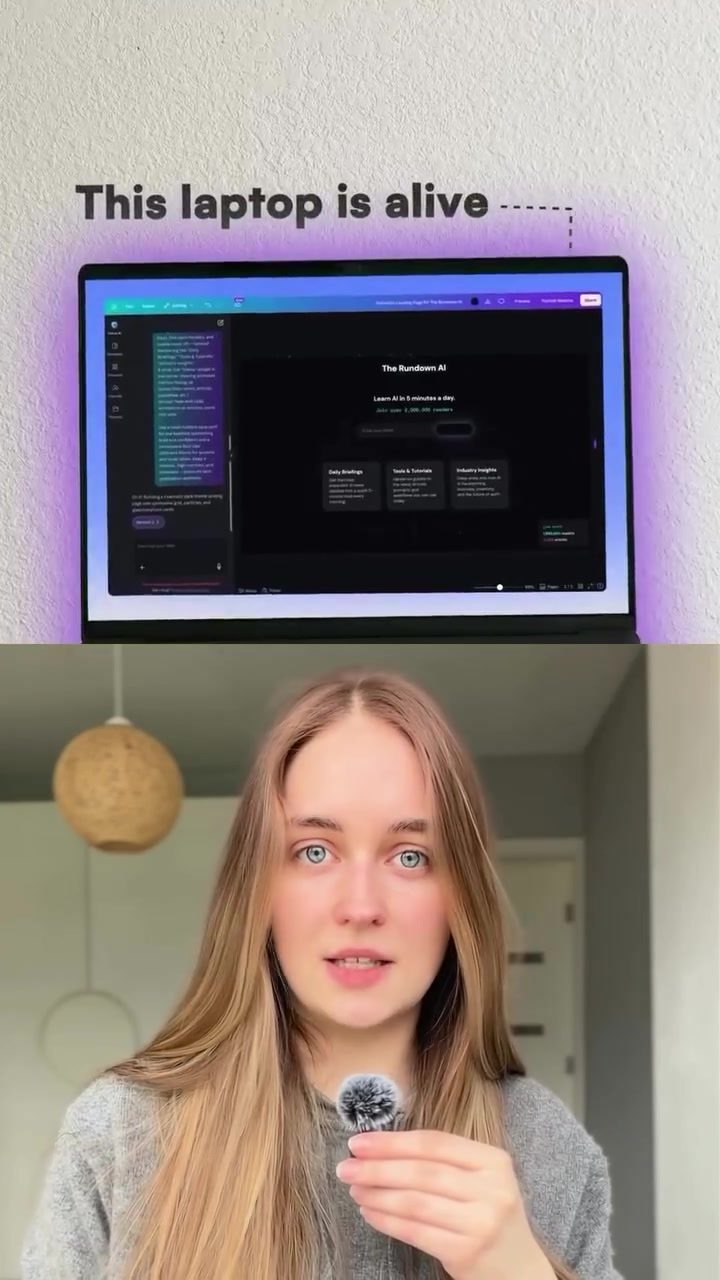
The demo showcased how Canva AI 2.0 can build a fully functional landing page in a matter of minutes. This speed and efficiency are unparalleled in the design industry, making it an invaluable tool for professionals who need to create high-quality designs quickly.
Practical Tips
Getting Started with Canva AI 2.0
To get started with Canva AI 2.0, users need to comment Canva and gain access to the link provided. Once they have access, they can begin experimenting with the natural language input feature. The Brand Template Match Kit is particularly useful for ensuring that the designs align with the user's brand guidelines.
Making the Most of Editable Layers
To fully utilize the editable layers feature, users should take advantage of the natural language conversation options. This allows for more precise adjustments and a more personalized design experience.
Leveraging Tool Integration
Users should explore the integration with tools like Slack and Google Drive to streamline their workflow. This feature ensures that data is easily accessible and up-to-date, making the design process more efficient.
Important Takeaways
Canva AI 2.0 represents a significant leap forward in design technology. Its ability to generate fully editable designs through natural language input makes it a versatile and powerful tool for both beginners and professionals. The seamless integration with popular tools and the conversational interface redefine the creative process, making it more intuitive and efficient.
Conclusion
Canva AI 2.0 is set to revolutionize the way websites are designed. With its innovative features and seamless integration with popular tools, it offers a powerful and efficient solution for anyone looking to create high-quality, professional designs. The ability to generate fully editable designs through natural language input makes it a game-changer in the design industry.
Watch the Reel
Questions readers ask
What is Canva AI 2.0 and how does it improve website design?
Canva AI 2.0 is an advanced update that uses artificial intelligence to generate website designs from natural language input. It improves website design by making the process more intuitive and accessible, even for those without coding knowledge, through features like fully editable layers and brand templates.
How does natural language input work in Canva AI 2.0?
Natural language input in Canva AI 2.0 allows users to describe their desired design or make changes using simple, everyday language. The AI then interprets these commands to generate or modify the website design accordingly, ensuring users have complete control over the creative process.
Can I customize the AI-generated designs in Canva AI 2.0?
Yes, Canva AI 2.0 provides fully editable layers, which means you can customize every aspect of the AI-generated designs. This includes changing colors, fonts, images, and other design elements to match your specific needs and preferences.
Do I need coding knowledge to use Canva AI 2.0 for website design?
No, Canva AI 2.0 is designed to be user-friendly and accessible to everyone. You do not need any coding knowledge to create or customize website designs with this tool. The natural language input and intuitive interface make the design process straightforward and efficient.
What are the benefits of using Canva AI 2.0 for website design?
Using Canva AI 2.0 for website design offers several benefits, including ease of use, time savings, and enhanced creativity. The AI handles complex tasks, allowing you to focus on the creative aspects, and the fully editable layers ensure you have full control over the final design.
How does Canva AI 2.0 help in creating a consistent brand image?
Canva AI 2.0 includes brand templates that help maintain a consistent brand image across your website. By using these templates, you can ensure that your designs align with your brand's visual identity, including colors, fonts, and overall style.
What makes Canva AI 2.0 different from other website design tools?
Canva AI 2.0 stands out from other website design tools due to its use of natural language input and fully editable layers. These features make the design process more intuitive and efficient, allowing users to create and customize their websites with ease, regardless of their technical expertise.
Related deep dives
Similar reads based on topic and creator.




Recent articles
Fresh deep dives from the latest Reels we unpacked.




Comments
Be the first to comment.