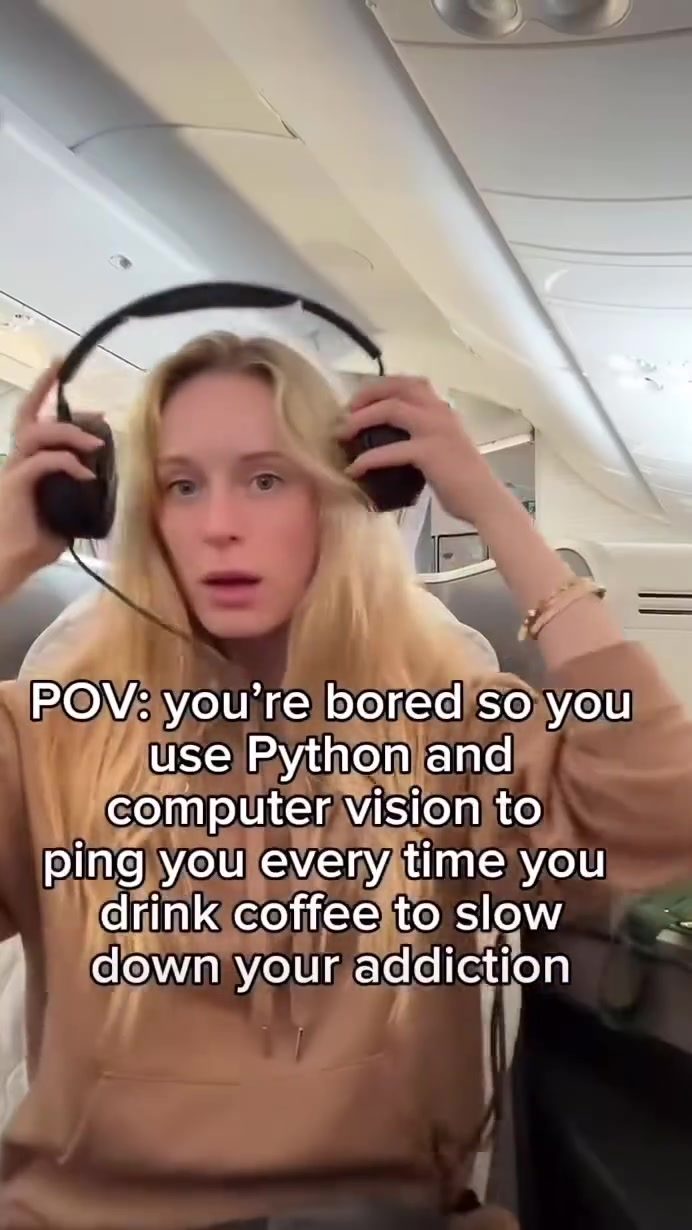
The Coffee Addiction Detective: Building a Python-Based Coffee Consumption Tracker
Coffee consumption is a common habit for many, but for some, it can turn into an addiction. As a developer, one might wonder: how do you track coffee consumption to monitor and potentially curb this habit? By leveraging computer vision and Python, you can create a coffee consumption tracker that uses facial detection to identify when someone is drinking coffee.
Context
In this project, we analyze a Python script to detect coffee drinking using computer vision and sound notifications. This kind of project is valuable for those interested in coding, computer vision, or behavioral tracking. Python's simplicity and the power of computer vision libraries make this an accessible and engaging project for anyone with basic coding skills.
Main Discussion
Project Setup
To begin, you'll need to set up your environment with the necessary libraries. This project uses OpenCV (cv2) for computer vision tasks and Pygame for sound notifications.
Computer Vision and Face Detection
The script utilizes a Haar cascade classifier for face detection. Haar cascades are a machine learning-based approach where a cascade function is trained from a lot of positive and negative images. It is then used to detect objects in other images.
The Python script does the following:
-
Import Libraries: Start by importing the necessary libraries—OpenCV for computer vision and Pygame for notifications.
import cv2 import pygame -
Capture Video: Use OpenCV to capture video from your webcam.
cap = cv2.VideoCapture(0) -
Load the Haar Cascade Classifier: Load the pre-trained Haar cascade classifier for face detection.
face_cascade = cv2.CascadeClassifier(cv2.data.haarcascades + 'haarcascade_frontalface_default.xml') -
Detect Faces: Use the classifier to detect faces in the video frames.
gray = cv2.cvtColor(frame, cv2.COLOR_BGR2GRAY) faces = face_cascade.detectMultiScale(gray, 1.1, 4) -
Draw Rectangles Around Detected Faces: Draw a rectangle around the detected face to visually indicate detection.
for (x, y, w, h) in faces: cv2.rectangle(frame, (x, y), (x+w, y+h), (255, 0, 0), 2) -
Play Sound Notification: Use Pygame to play a sound notification when a face is detected, indicating that the person is drinking coffee.
pygame.mixer.init()
sound = pygame.mixer.Sound('notification.wav')
sound.play()
Practical Tips
-
Ensure Proper Lighting: Face detection works best in well-lit environments. Ensure that your webcam has adequate lighting to improve detection accuracy.
-
Adjust Sensitivity: The parameters in the
detectMultiScalemethod can be adjusted to control the sensitivity of face detection. Experiment with different values to find the optimal settings for your environment. -
Optimize Performance: If you encounter performance issues, consider optimizing the script by reducing the frame rate or downscaling the video frames. This can help improve the speed and responsiveness of the detection system.
-
Customize Notifications: Feel free to customize the sound notifications. You can use different sound files or even add visual notifications to make the detection more engaging and personalized.
Potential Use Cases
The coffee consumption tracker is a fun and practical project, but its applications go beyond monitoring coffee habits. Here are a few other use cases:
- Health and Fitness Monitoring: Track other habits, such as eating, exercising, or sleeping, by modifying the detection algorithm.
- Behavioral Studies: Use the script to conduct studies on human behavior, such as examining the frequency and timing of certain activities.
- Elderly Care: Implement a system to monitor the daily activities of elderly individuals, ensuring they follow their routines and stay active.
- Productivity Tracking: Track how often someone takes breaks during work hours, providing insights into productivity patterns.
Customizing the Script
To customize the script for different purposes, you can modify the detection algorithm and notification systems. For example, you can use different classifiers to detect objects other than faces, such as hands or specific objects. This would require training new models or using pre-existing classifiers for those objects.
Important Takeaways
The Power of Computer Vision
Computer vision, combined with Python, offers a powerful toolkit for developing projects that can monitor and analyze human behavior. By leveraging libraries like OpenCV and Pygame, you can create applications that are both practical and engaging.
Practical Applications
The coffee consumption tracker demonstrates how computer vision can be applied to everyday activities. Whether you're looking to monitor your habits, conduct behavioral studies, or improve productivity, this project provides a foundation that can be customized and expanded.
Conclusion
Creating a coffee consumption tracker using computer vision and Python is a fun and engaging project that offers practical applications. By tracking coffee consumption, you can gain insights into your habits and potentially make changes to improve your health. Whether you're a developer looking to expand your skills or someone interested in behavioral tracking, this project offers a unique and valuable learning experience.
Watch the Reel
Questions readers ask
How does the Python Coffee Drinking Tracker work?
The tracker uses computer vision and facial detection to monitor when you're drinking coffee. It analyzes video footage to identify the action of drinking and sends notifications to keep you mindful of your coffee consumption.
What Python libraries are commonly used in a coffee drinking tracker project?
Projects like this often use libraries such as OpenCV (cv2) for computer vision tasks and facial detection. Additionally, you might use libraries like NumPy for numerical operations and scikit-video for video processing.
Can this tracker help in controlling coffee addiction?
Yes, by providing real-time notifications and visualizing your coffee drinking habits, the tracker can help you become more aware of your consumption patterns. This awareness is the first step in controlling and potentially reducing your coffee intake.
Do I need any special equipment to build this tracker?
No special equipment is needed beyond a standard webcam and a computer capable of running Python. The tracker uses your computer's existing hardware to capture video and analyze it for coffee drinking actions.
Can the tracker differentiate between coffee and other drinks?
The basic version of the tracker focuses on detecting the action of drinking rather than the specific type of drink. However, with additional training and customization, you could potentially extend the tracker to identify coffee-specific objects or actions.
Is it possible to integrate this tracker with other habit-tracking apps or devices?
Yes, the tracker can be integrated with other habit-tracking apps or devices through APIs. You can send the data collected by the tracker to other platforms or use it to trigger actions in smart home devices, enhancing your overall habit-tracking ecosystem.
Related deep dives
Similar reads based on topic and creator.


Recent articles
Fresh deep dives from the latest Reels we unpacked.




Comments
Be the first to comment.