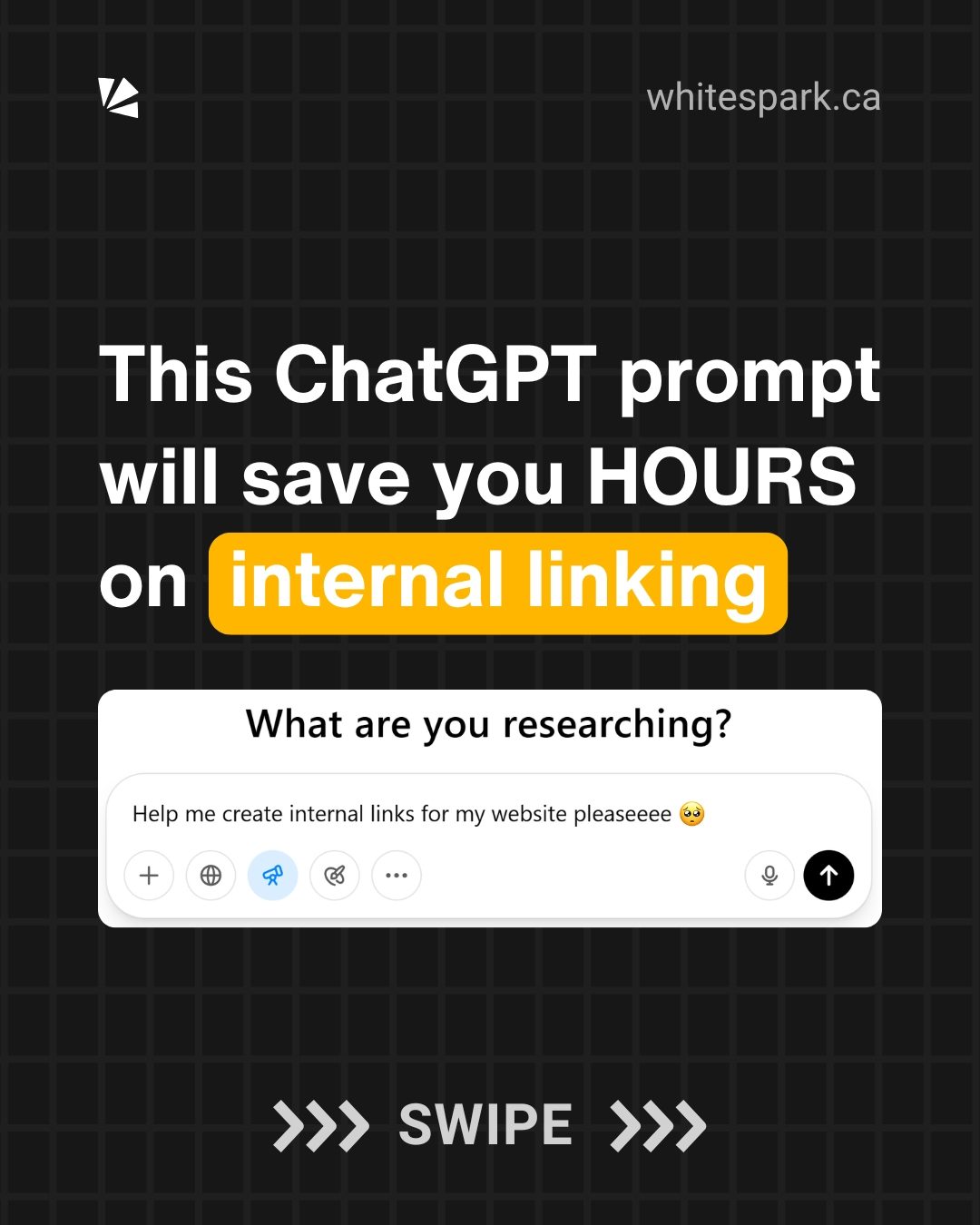
Automating Internal Linking with ChatGPT
Internal linking is a crucial aspect of SEO that can significantly enhance a website's structure and user experience. However, manually creating internal links can be a time-consuming and often tedious process. Fortunately, leveraging the power of AI through ChatGPT can streamline this task, providing efficient and relevant internal linking suggestions. This approach is particularly beneficial for local business websites aiming to improve their navigation and reinforce topical authority.
Why This Matters
Internal linking plays a vital role in SEO by helping search engines understand the context and hierarchy of a website's content. Effective internal linking can improve user navigation, reinforce topical authority, and support the SEO of specific pages. By automating this process using ChatGPT, you can save valuable time and ensure that your internal links are both natural and relevant, thus enhancing the overall performance of your website.
Enhancing User Experience
Internal links guide users through your website, helping them find relevant information quickly and easily. Properly placed internal links can reduce bounce rates, increase time spent on the site, and improve overall user satisfaction.
Boosting SEO Performance
Internal links help search engines crawl and index your website more effectively. They provide context to search engines about the relationship between different pages, which can boost the SEO performance of individual pages and the entire site. By using natural and topical relevant anchor text, you can reinforce the topical authority of your target page.
Main Discussion
Enabling 'Deep Research' Mode
The first step in using ChatGPT for internal linking is to enable the 'Deep research' mode. This advanced feature, available on ChatGPT's paid plans, allows the AI to conduct a more thorough analysis of your website. This mode is particularly useful for generating detailed and accurate internal linking suggestions.
Crafting the Prompt
After enabling 'Deep research' mode, you need to craft a detailed prompt that instructs ChatGPT on how to analyze your website and suggest internal links. The prompt should include specific instructions on what to crawl, what to exclude, and how to format the output. Here's a breakdown of the key components of the prompt:
Specifying the Website and Target URL
Clearly state the website and the target URL for which you want to generate internal linking suggestions.
Excluding Unnecessary Content
Instruct ChatGPT to exclude navigation, footer, and sidebar content, as these areas are typically not relevant for internal linking.
Identifying Source Pages
Request that ChatGPT identify the source page URL for each suggested internal link. This helps in understanding where the link should be placed.
Suggesting Anchor Text
An important aspect of internal linking is using natural and topical relevant anchor text. The prompt should instruct ChatGPT to suggest anchor text that feels natural within the context of the content.
Providing Link Placement
For each suggested internal link, the prompt should specify where in the text the link should be placed. This includes providing the exact sentence or suggesting a new sentence that can be inserted smoothly.
Ensuring Best Practices
The prompt should emphasize that the recommendations should follow best practices for internal linking. This includes improving user navigation, reinforcing topical authority, and supporting SEO for the target page.
Example Prompt
Here's an example of a detailed prompt you can use:
You are an SEO expert specializing in internal linking strategies for local business websites. Your task is to analyze the internal pages of this website: [your website link] and recommend new, contextually relevant internal links pointing to this target page: Target URL: [target page link].

Instructions:
Crawl all internal pages of the website, excluding navigation, footer, and sidebar content.
Find content where it would be natural and helpful to link to the target page.
Exclude any pages that already contain an in-content link to the target URL.
For each suggested internal link:
1. Identify the source page URL.
2. Suggest anchor text that feels natural and is topically relevant.
3. Provide the exact sentence where the link can be added, or suggest a new sentence that could be inserted smoothly into the existing content.
4. Provide at least 20 internal link opportunities.

Output Format: Present your suggestions in a table with these columns:
- Source Page URL
- Anchor Text
- Sentence with Link Placement
- Exactly where in the text the sentence with the Link should be placed.

Make sure your recommendations follow best practices for internal linking: improve user navigation, reinforce topical authority, and support SEO for the target page.
Running the Prompt
Once you've crafted the prompt, paste it into ChatGPT and add your website link and target URL. Answer any additional questions ChatGPT might have, and then let it work its magic. You can take a break while the AI processes the data and generates the internal linking suggestions.
Practical Tips
Customizing the Prompt
Feel free to customize the prompt to better suit your specific needs. For example, if you want more than 20 internal link opportunities, you can specify that in the prompt. Similarly, if you have particular anchor text requirements, include those details as well.
Reviewing the Output
After ChatGPT generates the suggestions, carefully review them. Ensure that the anchor text is natural and that the link placement makes sense within the context of the content. Make any necessary adjustments before implementing the suggested links.
Implementing the Links
Once you're satisfied with the suggestions, go ahead and implement the internal links. Keep in mind that effective internal linking is an ongoing process, so regularly review and update your links to maintain their relevance and effectiveness.
Important Takeaways
Save Time with Automation
Using ChatGPT to automate internal linking can save you hours of manual work. The AI can quickly analyze your website and provide relevant suggestions, allowing you to focus on other important aspects of your SEO strategy.
Focus on Natural and Relevant Links
Natural and topical relevant anchor text is crucial for effective internal linking. Ensure that the anchor text and link placement feel organic within the content to enhance user experience and SEO performance.
Regularly Update Your Links
Internal linking is not a one-time task. Regularly review and update your internal links to ensure they remain relevant and effective. This helps in maintaining a well-structured and user-friendly website.
Conclusion
Automating internal linking with ChatGPT is a powerful way to enhance your website's SEO and user experience. By following the steps outlined above, you can generate natural and relevant internal linking suggestions that improve navigation, reinforce topical authority, and support the SEO of your target pages. Embrace the power of AI to streamline your internal linking process and achieve better results with less effort.
Watch the Reel
Related deep dives
Similar reads based on topic and creator.



Recent articles
Fresh deep dives from the latest Reels we unpacked.




Comments
Be the first to comment.