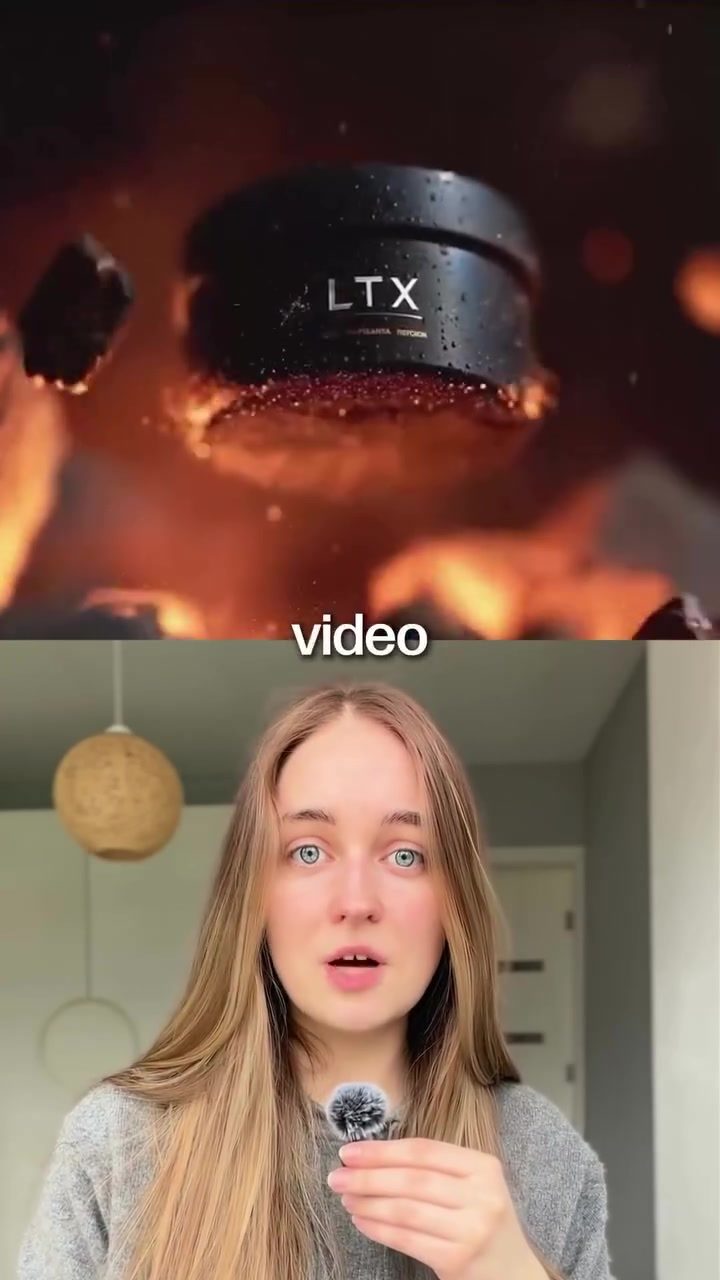
Open Source AI Video Generation: A Game Changer in Local Video Production
AI video generation tools have revolutionized the way videos are created. With the introduction of open source setups, creating cinematic videos with synced audio, sound effects, and music is more accessible than ever. Tools like LT-X 2.3 from Lightricks are leading the charge, offering a local setup that runs on your own device, eliminating the need for expensive subscriptions to models like Vio, Kling, or Sora.
Why This Matters
The shift towards open source AI video generation signifies a lower-cost alternative in AI video production. By running the software locally, users can generate high-quality videos with unlimted use, without the recurring costs associated with subscription-based services. This democratizes video production, making it accessible to a wider audience, from independent creators to small businesses. The capability to generate cinematic videos with synchronized audio, sound effects, and music, all while using a user-friendly desktop editor, streamlines the production process.
Main Discussion
The Rise of Open Source AI Tools
Open source AI tools have been gaining traction due to their cost-effectiveness and flexibility. Unlike proprietary software, open source tools can be modified and distributed freely, allowing users to tailor the software to their specific needs. LT-X 2.3 is a prime example of this trend, offering a comprehensive suite of features that cater to both beginners and professionals.
Features of LT-X 2.3
LT-X 2.3, developed by Lightricks, is designed to simplify the video creation process. Key features include:
Cinematic Video Generation: LT-X 2.3 can generate high-quality, cinematic videos based on textual descriptions or uploaded images. This feature is particularly useful for creators who need to produce visually stunning content quickly.
Sync Audio and Effects: The software ensures that the audio and sound effects are perfectly synced with the video, enhancing the overall viewing experience.
Desktop Editor: The included desktop editor allows users to cut scenes, add text, and fine-tune their videos. This editor is intuitive and user-friendly, making it accessible to users of all skill levels.
Local Operation: One of the standout features of LT-X 2.3 is its ability to run locally on your device. This means you can use it as many times as you want without worrying about recurring costs or internet connectivity issues.
Benefits of Local Software
Running video generation software locally offers several advantages:
Cost-Effective: By eliminating the need for subscription-based services, users can save significantly on production costs. With no recurring fees, the initial investment is minimal, making it an attractive option for budget-conscious creators.
Customization: Local software can be customized to fit specific needs, allowing users to modify the software to better suit their workflow. This level of customization is not possible with subscription-based services.
Unlimited Use: Users can generate as many videos as they need without any restrictions. This is particularly beneficial for creators who produce content regularly.
Offline Access: With local software, users can generate videos even when they are offline. This ensures that the production process is not interrupted by internet connectivity issues.
Practical Tips
Getting Started with LT-X 2.3
To get started with LT-X 2.3, follow these steps:
Installation: Download the software from the official Lightricks website and follow the installation instructions. The setup process is straightforward and user-friendly.
Initial Setup: Once installed, open the software and familiarize yourself with the interface. The desktop editor is intuitive, so you should be able to navigate it easily.
Generating Videos: To generate a video, you can either describe your idea in text or upload an image. The software will then create a cinematic video based on your input.
Editing: Use the desktop editor to cut scenes, add text, and fine-tune your video. The editor offers a range of tools to help you create a polished final product.
Maximizing Efficiency
Use High-Quality Inputs: For the best results, use high-quality images and detailed descriptions. This will help the software generate more accurate and visually appealing videos.
Experiment with Effects: Don't be afraid to experiment with different audio and sound effects. The software offers a range of options, so take your time to find the perfect combination.
Leverage Community Resources: Join online communities and forums dedicated to LT-X 2.3. These platforms are great for sharing tips, tricks, and tutorials that can help you get the most out of the software.
Important Takeaways
Open source AI video generation tools like LT-X 2.3 are transforming the video production landscape. By offering a cost-effective, customizable, and user-friendly solution, LT-X 2.3 empowers creators to produce high-quality videos without the need for expensive subscriptions. The ability to run the software locally adds an extra layer of convenience, making it an attractive option for both beginners and professionals.
Conclusion
Open source AI video generation represents a significant shift in video production. Tools like LT-X 2.3 from Lightricks offer a comprehensive suite of features that simplify the video creation process. With its ability to generate cinematic videos, sync audio and effects, and provide a user-friendly desktop editor, LT-X 2.3 is a game-changer in the world of video production. Whether you're a seasoned professional or just starting out, this software offers a powerful and cost-effective solution for all your video needs.
Watch the Reel
Questions readers ask
What are the benefits of using open-source AI video generation tools like LT-X 2.3?
Open-source AI video generation tools offer several advantages. They allow for local video production, meaning you can create videos directly on your own device without needing a constant internet connection. Additionally, they provide a cost-effective solution by eliminating subscription fees, while still enabling the creation of high-quality, cinematic videos with synchronized audio and effects.
How does LT-X 2.3 compare to subscription-based services like Vio, Kling, or Sora?
LT-X 2.3 stands out by offering a one-time setup that runs locally on your device, unlike subscription-based services that require ongoing payments. This makes it a more affordable long-term solution for users who need unlimited video generation without recurring costs. Furthermore, LT-X 2.3 provides the flexibility to create videos tailored to specific needs without the constraints of a subscription.
Can I achieve professional-quality results with open-source AI video generation tools?
Yes, tools like LT-X 2.3 are designed to produce high-quality, cinematic videos. They offer advanced features for video synchronization, sound effects, and music integration, ensuring that the final output is professional and polished. The local setup also means you have full control over the video production process, allowing for precise adjustments and enhancements.
What are the system requirements for setting up AI video generation locally?
The system requirements can vary depending on the specific tool you choose. For LT-X 2.3, you'll need a reasonably powerful computer with a decent GPU to handle the video processing tasks. Ensure you have enough storage space to accommodate the software and the videos you create. Detailed specifications are usually provided on the tool's official website or documentation.
Is it difficult to set up and use open-source AI video generation software?
While the initial setup might require some technical knowledge, many open-source AI video generation tools come with user-friendly interfaces and comprehensive guides. LT-X 2.3, for instance, is designed to be accessible to users with varying levels of expertise. The community support and documentation available for open-source tools can also be very helpful in troubleshooting any issues that arise.
Related deep dives
Similar reads based on topic and creator.




Recent articles
Fresh deep dives from the latest Reels we unpacked.




Comments
Be the first to comment.