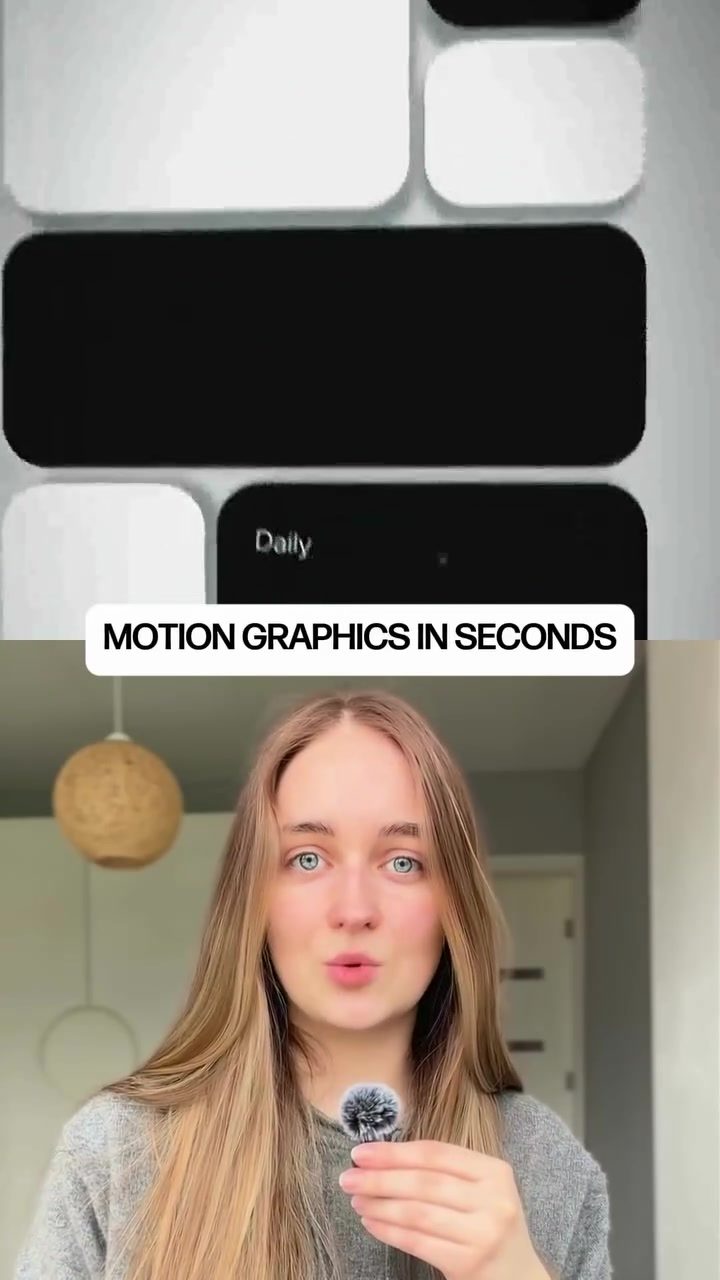
Motion Graphics AI: Revolutionizing Video Production
Motion graphics have long been a staple in video production, used to create visually stimulating content that can captivate audiences and convey complex ideas. Traditionally, creating motion graphics required a deep understanding of software like Adobe After Effects, meticulous keyframe animation, and extensive manual labor. However, a new AI tool is changing the landscape, making the process faster and more efficient than ever before.
Why This Matters
The advent of AI in motion graphics is a game-changer for content creators. It democratizes the process, allowing even those with limited technical skills to produce high-quality animations. This tool can create unlimited motion graphics from a single description, automating the entire process. It eliminates the need for manual keyframe animation, timelines, and extensive software knowledge, making video production more accessible and efficient.
The AI Tool: A Game Changer
Creating Motion Graphics from Descriptions
The AI tool stand out by simplifying the motion graphics creation process. Normally, creating an animated sequence involves a series of complex steps, including setting keyframes, adjusting timelines, and fine-tuning camera movements. With this AI, you simply describe what you want, and it builds the animation for you in seconds. This leap in efficiency makes it an invaluable tool for anyone involved in video production.
Automatic Animation
One of the most impressive features of this AI tool is its ability to automatically turn static images or logos into fully animated scenes. Whether you upload a logo, an image, or a graphic, the AI can transform it into a dynamic, animated element. This feature is particularly useful for creating brand animations, promotional videos, or product demonstrations. Imagine being able to animate your company logo in a few clicks—it's a game-changer for branding and marketing.
Instant Updates and Customization
The AI tool also allows for easy updates and customization. If something in the animation doesn't look right, you don't need to start from scratch. Simply tell the AI what to change—whether it's the timing, camera movement, colors, or the entire style—and it updates everything instantly. This level of flexibility ensures that you can fine-tune your animations to perfection without the hassle of manual adjustments.
Practical Tips for Using the AI Tool
Getting Started
To get started, you'll first need to access the AI tool. This can usually be done through a simple sign-up process on the tool's website. Once you have access, you can begin creating your motion graphics by entering a detailed description of what you want the animation to look like. The more specific your description, the better the AI can generate the desired output.
Uploading Assets
If you have specific elements you want to include in your animation, such as logos or images, you can upload them directly into the tool. The AI will automatically integrate these elements into the animation, bringing your vision to life. This feature is particularly useful for creating branded content, as it ensures that your visual identity is consistently represented.
Customizing Your Animation
One of the standout features of this tool is its ability to customize animations on the fly. If you're not happy with the initial output, you can easily make adjustments. The AI allows you to change the timing, camera movement, colors, and style with simple commands. This level of customization ensures that your animations are tailored to your exact specifications, making it an invaluable tool for professional video production.
Tips for Effective Descriptions
When describing your desired animation, be as specific as possible. Include details about the timing, camera movements, and overall style to get the best results. The more detailed your description, the more accurately the AI can generate the animation you envision. This tool is designed to understand natural language, so you don't need to use technical jargon—just describe what you see in your mind's eye.
Important Takeaways
Speed and Efficiency
The most significant benefit of using this AI tool is the speed and efficiency it brings to the motion graphics creation process. Traditional methods can take hours or even days, but with this tool, you can create high-quality animations in a matter of seconds. This saving in time and effort makes it an essential tool for content creators, marketers, and designers.
Accessibility
Another key advantage is its accessibility. You don't need extensive knowledge of animation software or technical skills to use this tool. Anyone can create professional-quality motion graphics with just a simple description. This democratizes the process, allowing a wider range of creators to produce visually stunning content.
Flexibility and Customization
The AI's ability to make instant updates and customizations is a major selling point. You can fine-tune your animations to perfection, ensuring they meet your exact specifications. This level of flexibility is unmatched by traditional methods, making it an invaluable tool for professional video production.
Versatility
This tool is versatile and can be used for a variety of purposes, from creating ads and product videos to content for social media. Its ability to transform static images and logos into dynamic animations makes it a powerful tool for branding and marketing. Whether you're a small business owner, a marketer, or a content creator, this tool can help you produce high-quality motion graphics quickly and efficiently.
Conclusion
The advent of AI in motion graphics is transforming the way we create and consume animated content. This new AI tool offers unparalleled speed, efficiency, and accessibility, making it an invaluable tool for anyone involved in video production. Whether you're a professional designer or a hobbyist, this tool can help you create stunning animations with ease. Try the tool — simply comment “motion” and you'll receive the link to start creating.
Watch the Reel
Questions readers ask
What kind of software knowledge is required to use AI-powered motion graphics tools?
AI-powered motion graphics tools are designed to be user-friendly, requiring no extensive software knowledge. Users typically only need to provide a description of their vision, and the AI handles the rest. Basic familiarity with computers and digital design concepts can be helpful, but it is not necessary to have any specific software skills.
How quickly can AI generate motion graphics?
AI can generate high-quality motion graphics in seconds. This is a significant improvement over traditional methods, which can take hours or even days, depending on the project's complexity. The speed of AI generation makes it an ideal solution for projects with tight deadlines.
Can AI tools create unlimited motion graphics from a single description?
Yes, many AI-powered motion graphics tools can generate a wide range of animations from a single description. Users can input their vision, and the AI can produce multiple variations, each with unique styles and effects. This feature allows for a high degree of creativity and customization, even when starting with a simple idea.
What are the benefits of using AI for motion graphics in video production?
Using AI for motion graphics in video production offers several benefits. It saves time by automating the animation process, reduces the need for manual labor, and makes video production more accessible to a broader range of people. Additionally, AI can help generate unique and creative designs, enhancing the overall quality of the final video.
Is AI-generated motion graphics suitable for professional use?
Yes, AI-generated motion graphics are suitable for professional use. The tools are designed to produce high-quality animations that can be used in various professional settings, from marketing videos to corporate presentations. However, users should review the generated content to ensure it meets their specific needs and brand guidelines.
Can AI tools replace human creators in motion graphics?
While AI tools can automate many aspects of motion graphics creation, they are not intended to replace human creators. Instead, they serve as a powerful tool to enhance creativity and efficiency. Human input remains crucial for providing the initial concept, reviewing the output, and ensuring the final product aligns with the desired vision and brand identity.
Related deep dives
Similar reads based on topic and creator.




Recent articles
Fresh deep dives from the latest Reels we unpacked.




Comments
Be the first to comment.