Seasonal Google Business Profile Updates
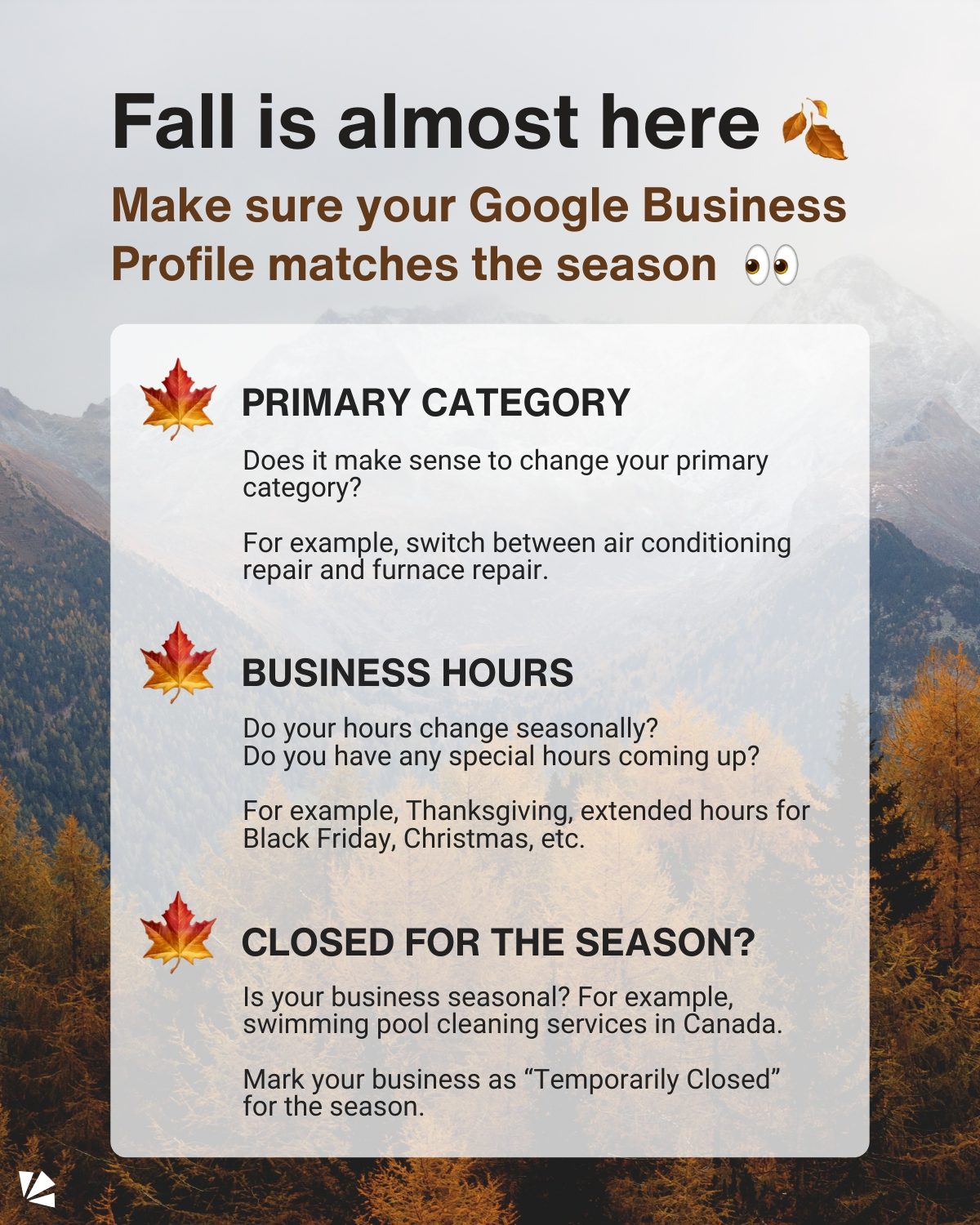
Fall is nearly here, and with it comes a perfect opportunity to fine-tune your Google Business Profiles. Updating your profile ensures that customers have the most relevant information about your business. This helps maintain accuracy and reliability, which are crucial for customer trust, engagement, and local search rankings. As the seasons change, this involves updating three key aspects of your profile.
Context / Why this matters
Seasonal updates to your Google Business Profile make your business more visible and accessible to customers. With changing weather and holiday schedules, customer needs and behaviors shift. Keeping your profile up-to-date ensures that potential customers can easily find and utilize your services. This is especially important for businesses that offer seasonal services, as it helps manage customer expectations and prevents disappointment.
The Importance of Relevance
Customers rely on Google Business Profiles to quickly find information about local businesses. During seasonal transitions, the relevance of your business information can change drastically. For example, a customer searching for "fall lawn care" in early autumn would be uninterested to find that your profile lists "summer pool maintenance" as your primary service.
Impact on Local Search Rankings
Regular updates to your Google Business Profile can improve your local search rankings. Google’s algorithms favor profiles that are frequently updated with accurate and relevant information. By keeping your profile current, you increase the likelihood that potential customers will find your business when searching for related services.
Enhanced Customer Trust
Accurate and up-to-date business information builds trust with customers. When customers see that your business hours, contact information, and available services are current, they are more likely to trust your business and engage with your services.
What to Update
Making these adjustments can save time and avoid customer frustration. Here are the three key areas to focus on as the seasons change.
1. Adjusting Your Primary Category
Your primary category is a critical piece of information that tells customers and Google’s algorithms what type of business you are. As businesses shift offerings to match seasonal demands, this can also mean updating the primary category.
Example: HVAC Services
A classic example is a business specializing in HVAC services, such as air conditioning and furnace repair. During the summer, the primary category may be "Air Conditioning Repair." As fall approaches and demand for air conditioning repair drops, consider switching the primary category to "Furnace Repair" or "Heating Services".
This change ensures that your business is visible to customers searching for relevant seasonal services. When the weather gets colder, most people are not searching for "HVAC contractor" but rather "furnace repair." By updating your primary category, you effectively capture the attention of your target audience.
2. Update Business Hours
Seasonal changes often bring adjustments to business hours. Whether it's due to holidays, daylight savings, or just a change in demand, keeping your business hours up-to-date is vital.
Seasonal Holidays
Make sure to update your business hours for major holidays like Thanksgiving, Christmas, or any local events that might impact your operations. For example, if you plan to have extended hours for Black Friday, ensure this information is clearly displayed on your profile.
Temporary Changes
In addition to holiday hours, consider any other temporary changes in your business hours. This could include early closures for team meetings or special in-store events. Communicating these changes helps customers plan their visits and ensures a smooth experience.
3. Marking Services as "Temporarily Closed"
For businesses that offer seasonal services, it's essential to mark these services as "Temporarily Closed" when they are not available.
Example: Swimming Pool Cleaning Services
Consider a seasonal service like swimming pool cleaning in Canada. As the weather cools down and the swimming season comes to an end, mark your pool cleaning services as "Temporarily Closed." This prevents customer confusion and ensures that your business is still visible for other services you offer.
By doing this, you maintain transparency and avoid disappointing customers who might expect your seasonal services to be available year-round. Additionally, it helps manage customer expectations and ensures that they seek alternative solutions during the off-season.
Practical Tips
Checklist for Seasonal Updates
Use a checklist to ensure you cover all necessary updates. Here’s a simple checklist to follow:
- Review Primary Category: Does it match the seasonal services you offer?
- Update Business Hours: Reflect any changes due to holidays, daylights savings, or extended hours.
- Mark Seasonal Services: If you offer seasonal services, mark them as "Temporarily Closed" when applicable.
- Add Events and Promotions: List any seasonal events, promotions, or specials.
Schedule Regular Reviews
Make it a habit to review and update your Google Business Profile regularly, especially as the seasons change. This proactive approach ensures that your information remains accurate and relevant, providing a seamless experience for customers.
Engage with Customer Feedback
Encourage customers to leave reviews and engage with their feedback. This not only helps improve your services but also contributes to your local search rankings. Promptly responding to reviews and addressing any concerns builds a strong rapport with your customers, enhancing your online reputation.
Important Takeaways
- Relevance Matters: Keep your Google Business Profile current and relevant to meet the changing needs of your customers.
- Primary Category Adjustments: Update your primary category to reflect seasonal services.
- Business Hours Accuracy: Ensure your business hours are accurate and reflect any seasonal changes.
- Temporary Closures: Mark seasonal services as "Temporarily Closed" when they are not available to set clear expectations for customers.
- Customer Trust and Engagement: Regular updates and accurate information build trust and enhance your online presence.
Conclusion
As fall arrives, updating your Google Business Profile ensures that potential customers have the most accurate and relevant information about your business. By adjusting your primary category, updating business hours, and marking seasonal services as "Temporarily Closed," you enhance visibility, improve local search rankings, and build customer trust. Embrace these seasonal updates as a crucial part of your business strategy to stay connected with your audience and thrive in your market.
Watch the Reel
Questions readers ask
Why should I update my Google Business Profile for the fall season?
Updating your Google Business Profile for the fall season helps ensure that customers have the most current information about your business, such as adjusted hours for holidays or new seasonal services. This not only builds customer trust but also improves your local search rankings, making it easier for potential customers to find you.
What are the three key aspects I should update on my Google Business Profile for fall?
The three key aspects to update are your business hours, seasonal services, and any temporary closures. Fall often brings changes in weather and holiday schedules, so ensuring your hours are accurate and highlighting any seasonal services can greatly benefit your customers.
How do I change my business hours for the fall season on Google Business Profile?
To change your business hours, log in to your Google Business Profile, navigate to the 'Info' tab, and select 'Edit.' From there, you can update your hours for specific days or add temporary hours for holidays. Make sure to save your changes to ensure customers see the most accurate information.
What if my business will be temporarily closed for fall holidays?
If your business will be temporarily closed, you can indicate this on your Google Business Profile. Go to the 'Info' tab, select 'Edit,' and under 'Temporary changes,' you can mark your business as temporarily closed and specify the dates. This helps manage customer expectations and prevents frustration.
Can I add seasonal services to my Google Business Profile for fall?
Yes, you can. Adding seasonal services helps customers understand what you offer during the fall season. Go to the 'Services' section of your Google Business Profile, click 'Add a service,' and list any fall-specific offerings. This could include anything from seasonal products to holiday-themed services.
How do seasonal updates to my Google Business Profile affect local SEO?
Seasonal updates to your Google Business Profile can significantly impact your local SEO. By keeping your profile current, you improve the accuracy and relevance of your listing, which Google favors in search rankings. This increased visibility can drive more traffic to your business both online and in-store.
What should I do if I need to adjust my business hours for a single day during the fall season?
For single-day adjustments, you can add special hours directly on your Google Business Profile. Navigate to the 'Info' tab, click on 'Edit,' and then add special hours for that particular day. This feature is useful for events or impromptu closures, ensuring customers are always informed.
Recent articles
Fresh deep dives from the latest Reels we unpacked.




Comments
Be the first to comment.