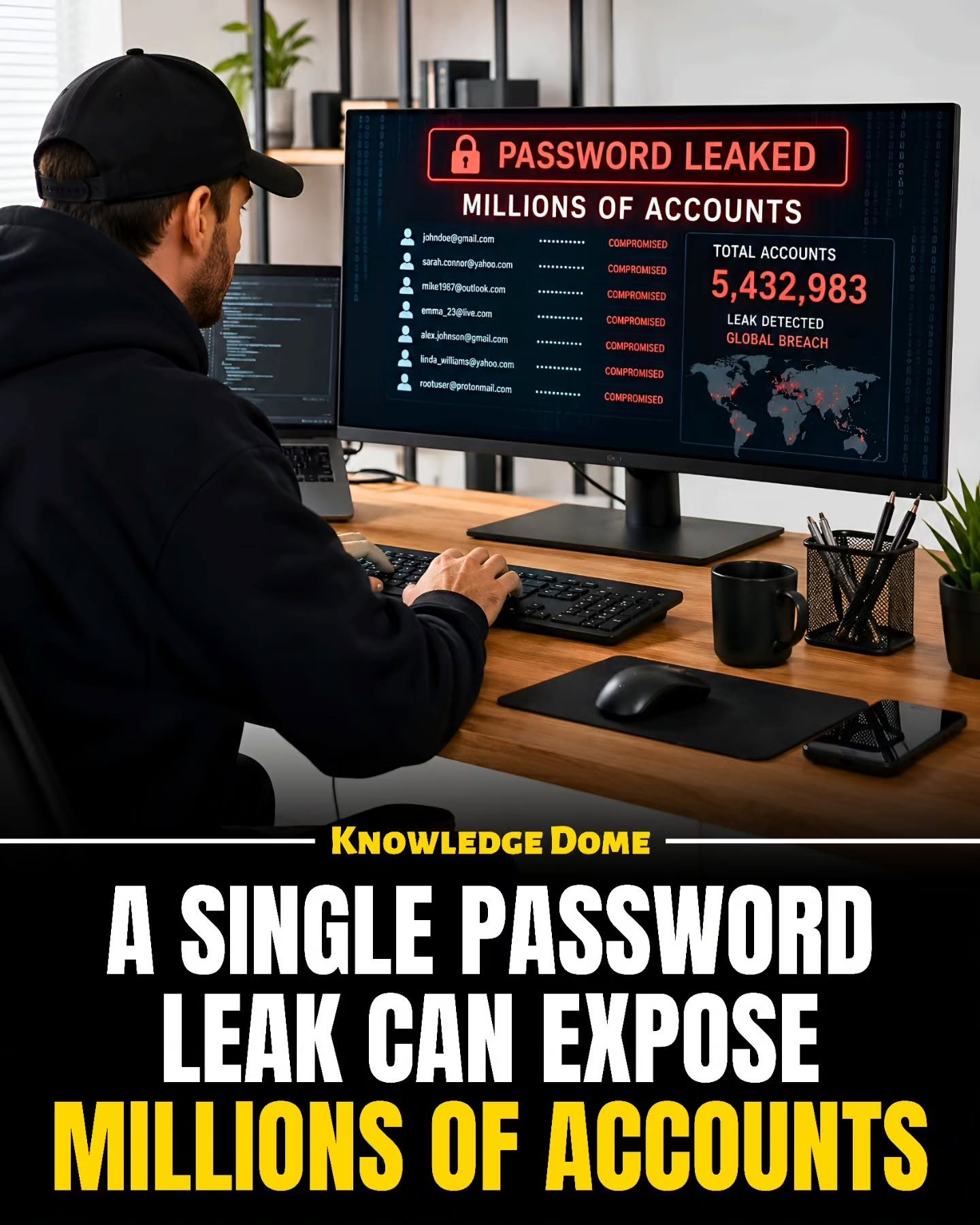
Password leaks pose a significant risk to online security, as a single compromised password can expose millions of accounts at once. This cascading effect occurs when attackers gain access to passwords from one hacked website and use them to infiltrate other accounts. This practice, known as password reuse, is alarmingly common and can lead to severe consequences.
Context / Why this matters
Password reuse is one of the most significant online risks. Many people use the same password across multiple platforms because it's easy to remember. However, if just one site is compromised, the same password can grant criminals access to many other accounts. This is why a single weak spot can turn into a massive security problem. Understanding the implications of password reuse and how to protect against it is crucial for anyone with an online presence.
Main discussion
The Anatomy of a Password Breach
A single password leak can expose a vast number of accounts. When attackers breach a website, they often steal large databases of email addresses and passwords. These stolen credentials can then be used to gain access to other accounts, especially if the same password has been reused across multiple platforms. This is known as credential stuffing, where automated tools try different combinations of email addresses and passwords on various websites to find matches.
How Attackers Operate
Once attackers gain access to a database of stolen credentials, they can use bots to try these combinations on other websites. This is often done at an incredible speed, allowing attackers to try millions of combinations in a short amount of time. If the same credentials are used on multiple sites, attackers can quickly gain access to a wide range of accounts, including those on shopping sites, games, and even bank accounts. The impact can be devastating, leading to identity theft, financial loss, and other forms of cybercrime.
The Role of Password Reuse
Password reuse is a major contributor to the problem. When the same password is used on multiple sites, a breach in one place can open the door to many others. This is why it's crucial to use unique passwords for every account. While this might seem like a hassle, it's a necessary step to protect your online security.
The Dangers of Weak Passwords
Weak passwords are another significant risk. Using simple passwords based on personal information, such as your name or birthday, makes them easy to guess. Hackers can use specialized software to automatically try common passwords, making it easier for them to gain access to your accounts.
The Importance of Strong Passwords and Password Managers
Strong passwords should be long, complex, and difficult to guess. They should not be based on personal information, and they should be unique to each account. However, remembering dozens or even hundreds of unique, complex passwords can be challenging. This is where password managers come into play. These tools can generate and store strong passwords for you, ensuring that each account has a unique and secure password.
How Password Managers Work
Password managers use encryption to store your passwords securely. When you log in to an account, the password manager automatically fills in the password for you, eliminating the need to remember it. Some password managers even offer two-step verification, adding an extra layer of security by requiring a second form of identification, such as a fingerprint or a security code sent to your phone.
Practical tips
Create Strong, Unique Passwords
When creating a new password, aim for something that is at least 12 characters long and includes a mix of uppercase and lowercase letters, numbers, and special characters. Avoid using easily guessable information, such as your name, birthday, or common words. Using a passphrase—a series of random words strung together—can help create a strong, memorable password.
Use a Password Manager
Password managers are invaluable tools for managing multiple passwords. They can generate strong, unique passwords for each account and store them securely. Some popular options include LastPass, 1Password, and Bitwarden. These tools can help you keep track of your passwords and ensure that each account has a unique and secure one.
Enable Two-Step Verification
Two-step verification (also known as two-factor authentication) adds an extra layer of security to your accounts. Even if a password is compromised, an attacker would need access to your second form of identification to gain access. Most major websites and services offer two-step verification, so be sure to enable it wherever possible.
Regularly Update Your Passwords
While using a password manager can help keep your passwords secure, it's still a good idea to update them regularly. Change your passwords every few months, or if you suspect that one of your accounts may have been compromised. Using a password manager can make this process much easier, as you can generate new passwords and update them across all your accounts with just a few clicks.
Important takeaways
- Password Reuse is a Major Risk: Using the same password across multiple accounts can lead to widespread security breaches if one account is compromised.
- Strong Passwords are Essential: Create long, complex passwords that are difficult to guess and not based on personal information.
- Password Managers: These tools can generate and store strong, unique passwords for each account, making it easier to manage your online security.
- Enable Two-Step Verification: Adding an extra layer of security can help protect your accounts, even if a password is compromised.
Conclusion
A single password leak can have far-reaching consequences, affecting millions of accounts and exposing sensitive information to cybercriminals. By using strong, unique passwords, employing a password manager, and enabling two-step verification, you can significantly enhance your online security. Regularly updating your passwords and being mindful of the risks of password reuse are crucial steps in protecting your digital identity.
Watch the Reel
Questions readers ask
What is the primary risk associated with using the same password across multiple sites?
The main risk is that if one account is compromised, all accounts using the same password become vulnerable. This means a single data breach can lead to multiple accounts being accessed by cybercriminals.
How do compromised passwords from one site affect other accounts?
When passwords are reused, cybercriminals can exploit a single compromised password to gain access to multiple accounts. This is because many people use the same login credentials for various platforms.
What is a 'password breach' and how can it impact my online security?
A password breach occurs when a website or service is hacked, and user passwords are stolen. This can impact your online security by allowing cybercriminals to access other accounts if you reuse passwords. A single breach can compromise multiple accounts.
What can I do to prevent my accounts from being compromised due to a single password leak?
To prevent this, use unique passwords for each account, and consider using a password manager to help generate and store strong, unique passwords. This way, a breach at one site won't affect your other accounts.
What are some best practices to protect my online accounts from password reuse risks?
Use strong, unique passwords for each account, enable two-factor authentication, and regularly update your passwords. Additionally, consider using a password manager to keep track of your passwords securely.
What are the consequences of not changing passwords after a data breach?
If you don't change your passwords after a data breach, you risk having your other accounts compromised, especially if you reuse passwords. This can lead to identity theft, financial loss, and unauthorized access to personal information.
Related deep dives
Similar reads based on topic and creator.




Recent articles
Fresh deep dives from the latest Reels we unpacked.




Comments
Be the first to comment.