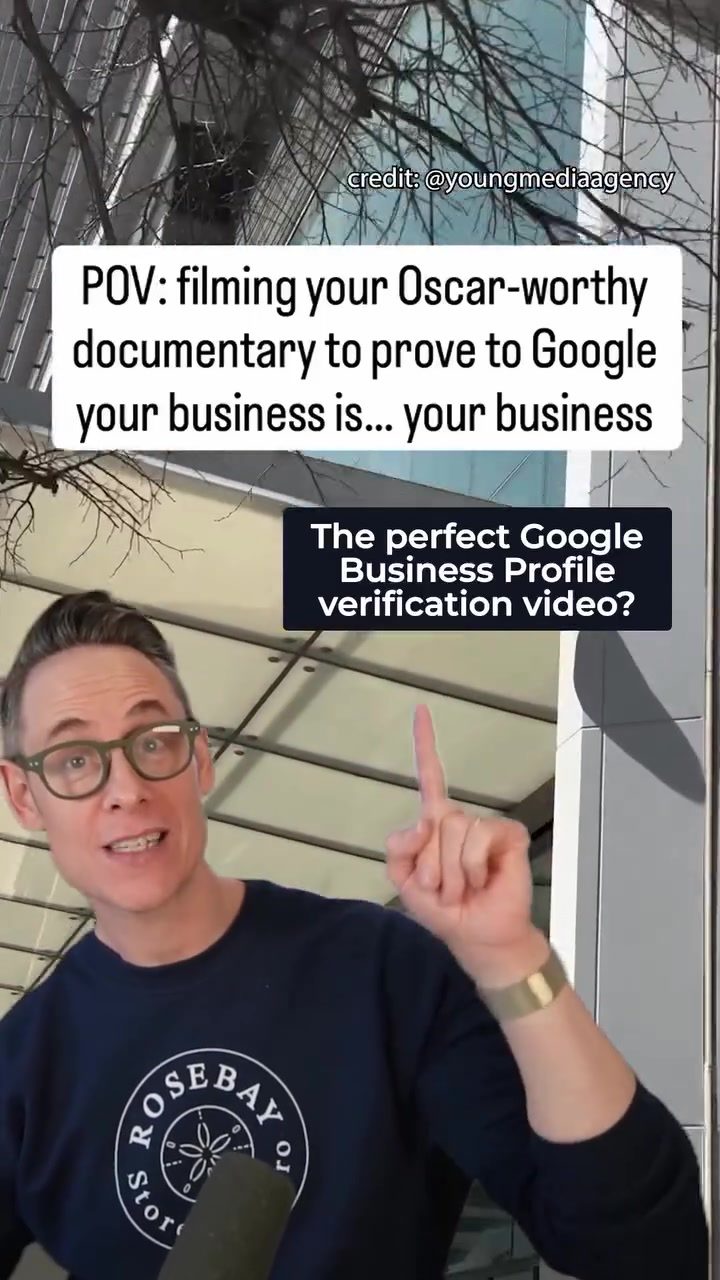
Crafting an Effective Google Business Profile Verification Video
Creating a compelling Google Business Profile verification video is a vital step for any business. From showcasing your business to proving ownership, this type of video adds authenticity and enhances your business profile's credibility. Here’s a comprehensive guide to creating an effective Google Business Profile verification video.
Why This Matters
A Google Business Profile (formerly known as Google My Business) is a powerful tool for local SEO. It helps businesses appear in Google Maps and local search results, leading to increased visibility and customer engagement. Verification through a video not only confirms that the listing is accurate but also builds trust with potential customers.
Main Discussion
Planning Your Video
Before you start filming, plan your route and shots. A well-structured video ensures that you cover all necessary aspects. Begin with the exterior of your building and gradually move inside. This approach provides a complete view of your business and helps viewers understand your location and operations.
Filming the Exterior
Start by filming the exterior of your business. Include clear shots of the signage, address, and any distinctive features. According to a video, the narrator emphasizes highlighting the sign and exterior details. Begin with a wide shot, then zoom in on specific details like signage, logos, and any other identifying features. This helps viewers recognize your business and understand what they are looking for when they visit.
Moving Inside
Once you've captured the exterior, move inside and continue the tour. Showcase the interior signage, reception area, and key departments. If your business has unique tools, equipment, or products, make sure to include them. Remember, the goal is to provide a comprehensive view of your business. The video highlights the importance of showing the signage inside the building as well. This helps establish a clear connection between the exterior and the interior, further verifying the authenticity of your business.
Proving Ownership
One of the most critical aspects of a Google Business Profile verification video is proving ownership. This can be done by showing yourself unlocking the door, accessing restricted areas, or handling confidential information. The video mentions showing the unlocking process, which is indeed a strong indicator of ownership. Include shots of you handling the key, opening the door, and entering the premises. This sequence visibly confirms that you have access and control over the business.
Highlighting Key Features
In addition to proving ownership, highlight key features of your business. Show your business license, tools of the trade, and any other critical elements. The video includes a shot of the business license, which is a crucial detail. This not only verifies your legitimacy but also adds a layer of professionalism to your profile. Make sure to include any unique or notable aspects of your business that set you apart from competitors.
Engaging with Humor
Including a touch of humor can make your video more engaging and memorable. The video uses a humorous approach, such as the narrator’s laughter and playful tone, to keep viewers engaged. This can be particularly effective in making your video stand out and leaving a lasting impression on viewers.
Practical Tips
Stay Organized
Keep your video well-organized and focused. Avoid unnecessary shots and keep the transitions smooth. Use a tripod or stabilizer to ensure steady footage, and make sure the audio is clear. This ensures that viewers can follow along easily and understand the narrative.
Use Natural Lighting
Utilize natural lighting as much as possible. Natural light makes the video look more professional and appealing. Avoid using harsh artificial lighting, which can distort colors and create unflattering shadows.
Be Authentic
Authenticity is key. Show your business as it is, without any staged or artificial elements. Authenticity helps build trust and credibility with your audience. Be genuine in your approach and showcase the true essence of your business.
Important Takeaways
Showcase Everything
Showcase everything from the exterior to the interior, including signage, tools, and your business license. This provides a complete view of your business and helps in verification.
Prove Ownership
Include shots of yourself unlocking the door or handling restricted areas to prove ownership. This is a crucial aspect of the verification process and adds credibility to your profile.
Engage Your Audience
Use a friendly and engaging tone to keep viewers interested. A touch of humor can make your video more memorable and enjoyable to watch.
Conclusion
Creating a Google Business Profile verification video is a straightforward process that can significantly enhance your business’s online presence. By following the steps outlined in this guide, you can create a compelling video that showcases your business, proves ownership, and builds trust with your audience. Start from the outside, move inside, and highlight key features to create a comprehensive and engaging video.
Watch the Reel
Questions readers ask
What is the purpose of a Google Business Profile verification video?
A Google Business Profile verification video serves two main purposes: it showcases your business to potential customers and confirms your ownership of the business listing. By walking viewers through your location, you add a layer of authenticity to your profile, making it more trustworthy to users.
What are the key elements to include in a Google Business video tour?
A Google Business video tour should include a clear view of your business signage, both exterior and interior shots, and a walkthrough of the main areas where customers interact. Highlight any unique features or products that set your business apart, and ensure the video is well-lit and easy to follow.
Is there a specific format for the Google Business video walkthrough?
Google does not require a specific format, but it's crucial to follow a logical sequence. Start with the exterior of your business, capturing your signage. Then, move inside and show key areas such as the entrance, main service or product areas, and any customer interaction points. End with a clear shot of the interior and your business signage on the way out.
How long should a Google Business verification video be?
Your Google Business verification video should be concise and to the point, ideally between 30 to 90 seconds. This length is sufficient to showcase your business and confirm your ownership without losing the viewer's interest. Focus on key areas and keep the pace steady.
What are some common mistakes to avoid in a Google Business verification video?
Avoid poor lighting, shaky footage, and unclear audio. Ensure your business signage is clearly visible and that the video provides a seamless walkthrough of your location. Also, avoid including any copyrighted material or marketing jargon, keeping the focus solely on verifying your business.
Do I need professional equipment to film a Google Business verification video?
No, you don't need professional equipment. A smartphone with a high-quality camera can suffice. Ensure the filming environment is well-lit and that the video is steady. Using a tripod or stabilizer can help achieve smooth footage, making the process of verifying your business on Google seamless.
Can I use a pre-recorded video for Google Business verification?
Yes, you can use a pre-recorded video, but it must adhere to the same guidelines as a live recording. Ensure the video clearly shows your business signage, provides a walkthrough of your location, and is of good quality. The key is to make sure the video accurately represents your business and confirms your ownership.
Recent articles
Fresh deep dives from the latest Reels we unpacked.




Comments
Be the first to comment.