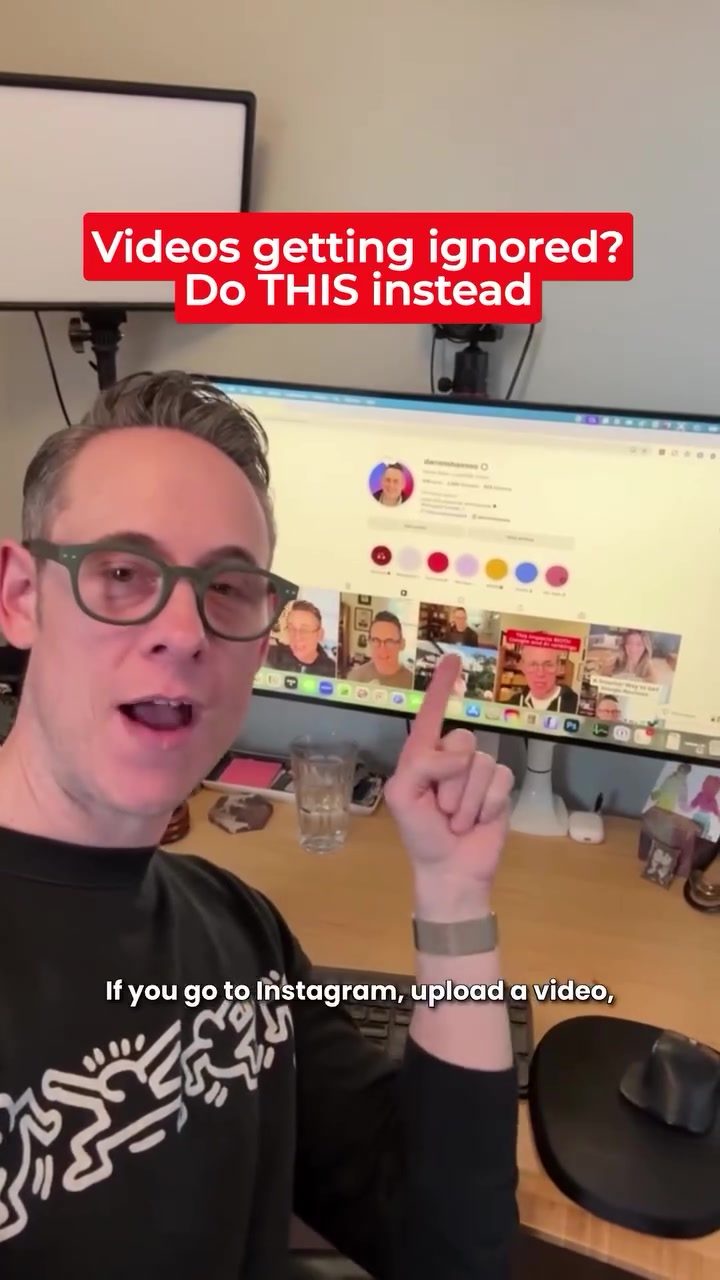
Boosting Visibility: Enhancing Your Google Business Profile with Capped Videos
Video content is a powerful tool for engaging customers and standing out on platforms like Google Business Profile. However, many businesses overlook a crucial detail that can significantly enhance the effectiveness of their videos. By following a simple process, you can make your videos more visible and engaging. Here’s how you can do it.
Context / Why this matters
Google Business Profile is a vital platform for local businesses to connect with customers. However, many videos uploaded to this platform often get ignored because they lack essential features. By taking a few extra steps, you can make your videos more effective. This process involves a simple sequence of actions that can dramatically enhance the visibility of your videos and help Google’s AI understand your content better.
Main discussion
The Importance of Captioned Videos
Captions play a crucial role in making your videos more accessible and engaging. When you upload a video to your Google Business Profile, it often doesn’t play audio by default. This means that without captions, viewers might miss out on important information. Captions provide context and make your video more inclusive for viewers who are hearing impaired or in noisy environments. More importantly, moving text is more eye-catching, drawing attention and increasing the likelihood of engagement.
Step-by-Step Process
Let’s break down the process step-by-step:
-
Upload Your Video to Instagram or TikTok: Begin by uploading your video to a platform like Instagram or TikTok. These platforms offer robust tools for adding captions and editing your video.
-
Add Captions: Adding captions is a crucial step. Instagram and TikTok provide easy-to-use tools for adding captions to your videos. This not only makes your content more accessible but also helps Google’s AI understand the content of your video better. Captions provide context and make your video more engaging.
-
Download the Video: Once your video is captioned, download it. This step ensures that you have a high-quality, captioned version of your video ready for uploading to your Google Business Profile.
-
Upload to Google Business Profile: Finally, upload the captioned video to your Google Business Profile. This video will now stand out because of the moving text, provide context due to the captions, and help Google’s AI understand your content better.
Why Add Captions?
Adding captions to your videos serves multiple purposes:
-
Context: Captions provide context for viewers who may not be able to hear the audio. Google Maps, which is often used to access business profiles, doesn’t play audio by default. This means that without captions, viewers might miss out on important information.
-
Eye-Catching: Moving text is more eye-catching than static images. Captions draw attention and increase the likelihood of engagement with your video. This is especially important in a crowded digital landscape where attention is a valuable commodity.
-
AI Understanding: Captions help Google’s AI understand the content of your video better. This can improve your video’s search ranking and make it more visible to potential customers. Google’s AI relies on text to understand the content of videos, and captions provide this text.
Example in Action
Consider a pizza restaurant that wants to showcase its menu and specials. By following the steps above, the restaurant can create a captioned video that highlights its offerings. When potential customers search for local pizzerias, they are more likely to notice the video because of the moving text and the context provided by the captions. This increases the chances of them visiting the restaurant.
Practical tips
Use Professional Tools
For the best results, use a professional dashboard for editing your videos. Platforms like Instagram and TikTok offer robust tools for adding captions and editing your videos. Utilize these tools to ensure that your video is of high quality and engaging.
Optimize for Search
When adding captions, make sure to use relevant keywords that potential customers might search for. This helps Google’s AI understand the content of your video better and improves its search ranking.
Test and Iterate
Don’t be afraid to test different approaches and iterate based on the results. Pay attention to which videos perform best and use that information to guide your future video content.
Keep it Short and Sweet
Google Business Profile videos should be short and to the point. Aim for videos that are between 15 to 30 seconds long. This ensures that viewers stay engaged and are more likely to watch the entire video.
Highlight Key Information
Use captions to highlight key information such as specials, promotions, or important updates. This ensures that viewers get the most important information quickly and are more likely to engage with your content.
Important takeaways
- Captions Matter: Adding captions to your videos makes them more accessible and engaging. It provides context and helps Google’s AI understand the content better.
- Process Simplicity: The process of adding captions and uploading to Google Business Profile is simple and can be done in a few easy steps.
- Enhanced Visibility: Captioned videos stand out more and are more likely to be noticed by potential customers.
- Professional Tools: Use professional tools for the best results. Platforms like Instagram and TikTok offer robust tools for adding captions and editing videos.
- Optimize for Search: Use relevant keywords in your captions to improve search ranking and visibility.
Conclusion
By following these steps, you can significantly enhance the visibility and effectiveness of your videos on Google Business Profile. Adding captions to your videos makes them more engaging, provides context, and helps Google’s AI understand the content better. Don’t ignore this crucial detail any longer. Start adding captions to your videos today and watch your engagement and visibility soar.
Watch the Reel
Questions readers ask
Why are captions important for Google Business Profile videos?
Captions make your videos more accessible to a wider audience, including those who are deaf or hard of hearing, and those who speak different languages. They also improve engagement by allowing viewers to follow along with the content without sound, and can even boost your visibility in Google search results.
Can I add captions to videos that are already uploaded to my Google Business Profile?
Currently, Google Business Profile does not support adding captions to videos after they have been uploaded. It's recommended to add captions to your videos before uploading them to your profile.
What is the best way to add captions to my videos?
There are several ways to add captions to your videos. You can use video editing software like Adobe Premiere Pro or online tools like Kapwing and Clideo. Alternatively, you can use YouTube to add captions, as it offers a built-in captioning tool.
How do I upload a video with captions to my Google Business Profile?
To upload a video with captions to your Google Business Profile, first, ensure your video has captions embedded or included as a separate file. Then, log in to your Google Business Profile, navigate to the 'Posts' section, and click on 'Add Post'. From here, select 'Add Video' and upload your video.
What are the benefits of using captions for business videos on Google Business Profile?
Using captions for your business videos on Google Business Profile can increase viewer engagement, improve accessibility, and potentially boost your search visibility. Captions help to convey your message more effectively and can enhance the overall user experience.
Are there any best practices for creating captions in videos for a Google Business Profile?
When creating captions for your videos, ensure they are accurate and synchronized with the audio. Use a clear, easy-to-read font, and place the captions at the bottom of the screen. It is also helpful to keep the text concise and to avoid overly complex language.
Recent articles
Fresh deep dives from the latest Reels we unpacked.




Comments
Be the first to comment.